Running generally earns one intensity minute per minute of moderate to vigorous activity, depending on your fitness tracker’s heart rate zones and intensity thresholds. For example, a 30-minute run at an easy pace might earn you 20-25 intensity minutes, while the same run at a tempo pace could count as the full 30 minutes. The exact calculation depends on your age, fitness level, and which device you’re using to track—Apple Watch, Fitbit, Garmin, and other platforms all have slightly different algorithms for determining what qualifies as “intense” versus merely active.
The fundamental principle is straightforward: your tracker monitors your heart rate and awards intensity minutes when you’re working hard enough to elevate it into a vigorous zone. For most people running outdoors or on a treadmill, achieving that threshold is relatively easy—it happens quickly once you pick up the pace beyond a comfortable jog. Understanding how your specific tracker measures intensity helps you set realistic goals and accurately assess your workout’s cardiovascular benefit.
Table of Contents
- What Heart Rate Zone Do You Need for Intensity Minutes?
- How Running Pace Affects Intensity Minute Accumulation
- Intensity Minutes on Different Running Surfaces and Conditions
- Strategic Running to Maximize Intensity Minutes
- Garmin, Apple Watch, and Fitbit Differences in Calculating Intensity
- Heart Rate Monitors vs. Wrist-Based Trackers
- The Future of Intensity Minute Tracking
- Conclusion
- Frequently Asked Questions
What Heart Rate Zone Do You Need for Intensity Minutes?
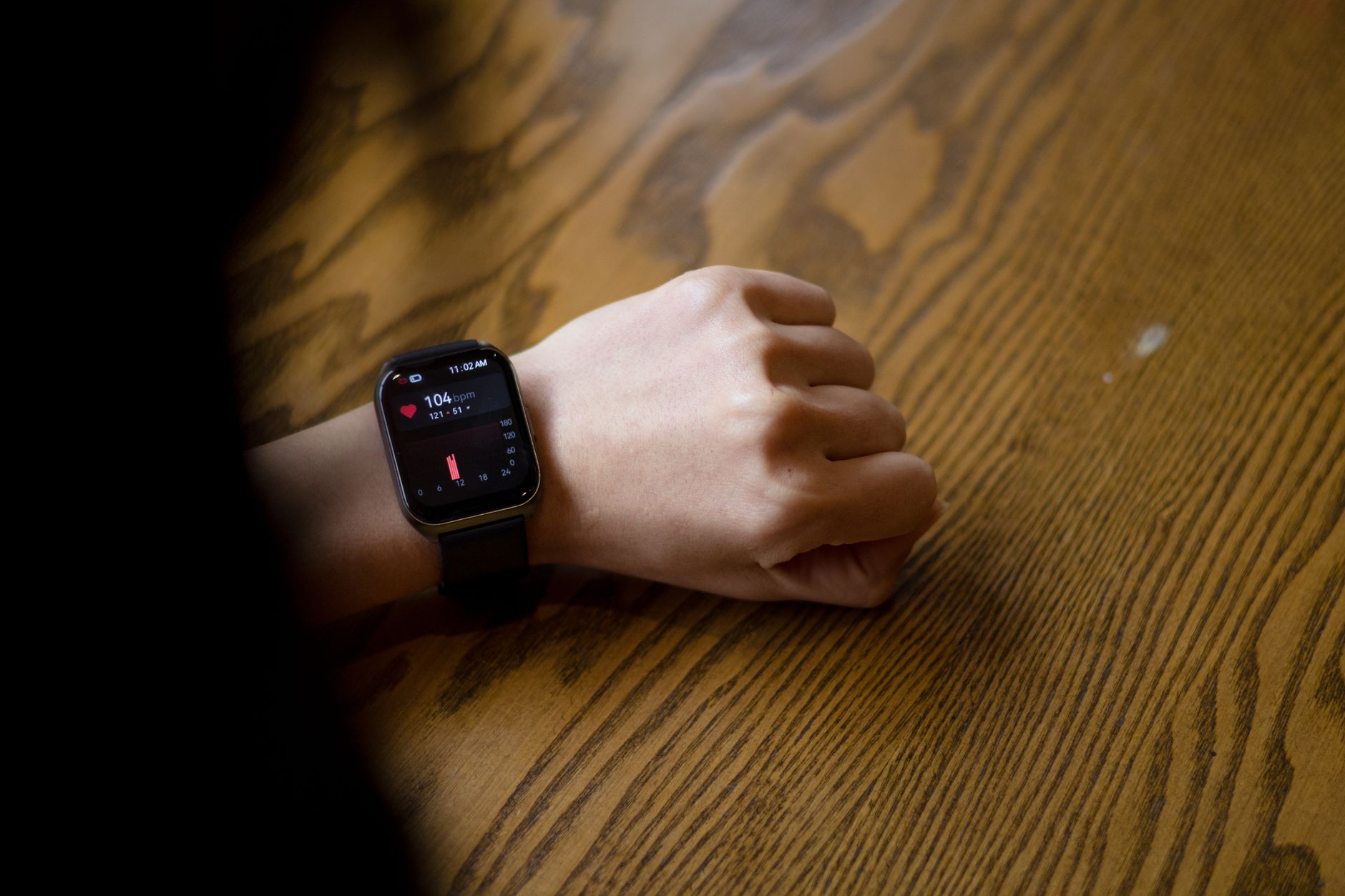
Most fitness devices measure intensity by tracking your heart rate as a percentage of your maximum heart rate. Typically, your tracker needs you to reach at least 70-80% of your maximum heart rate for minutes to count toward your intensity goals. For a 40-year-old with an estimated max heart rate of 180 beats per minute, that means sustaining around 126-144 bpm. running at a steady jog—not walking, not sprinting—usually gets you there within a few minutes.
Different devices use different thresholds, which is why the same workout might yield different intensity minute counts across platforms. Apple Watch, for instance, uses a proprietary algorithm based on your personal data and movement patterns rather than a fixed percentage formula. Fitbit devices typically rely on heart rate zones adjusted for your resting heart rate and maximum heart rate. Garmin offers highly customizable zones if you’ve done a VO2 max test or provided detailed fitness data. A general rule of thumb: if you’re breathing hard enough that you could talk in short sentences but not sing, you’re probably in the right intensity zone.
How Running Pace Affects Intensity Minute Accumulation
Your running speed directly impacts how quickly you accumulate intensity minutes. A recreational runner maintaining a 10-minute-per-mile pace typically hits the intensity threshold after two to three minutes of running and continues accumulating them for the duration of the workout. In contrast, an easy warm-up jog at 12-minute-per-mile pace might take five to seven minutes to reach the intensity zone or may not reach it at all on some devices. This variation means that the same person could do two 30-minute runs and earn very different intensity minute counts depending solely on how hard they’re pushing.
One limitation to keep in mind: running too slowly—genuinely easy recovery runs—might not register as intensity minutes at all, even though they offer significant aerobic and mental health benefits. This is a common source of frustration for runners who track everything. Your device isn’t suggesting these runs are worthless; it simply defines “intensity” according to cardiovascular stress rather than total effort. A five-mile easy run might earn zero formal intensity minutes but still be valuable for building aerobic base and improving overall fitness. Don’t let a low intensity minute count discourage you from maintaining lower-intensity training, which is actually essential for long-term running progression.
Intensity Minutes on Different Running Surfaces and Conditions
where you run influences your heart rate response and therefore your intensity minute accumulation. Treadmill running typically produces higher heart rates at the same speed compared to road running, meaning you might accumulate intensity minutes faster on a treadmill than on flat pavement. Conversely, trail running with elevation changes, uneven terrain, and sustained climbs can push you into higher intensity zones quickly even at slower speeds. A runner doing a trail run with 1,500 feet of elevation gain might earn intensity minutes throughout the entire workout, while the same person on a flat road might only accumulate them during faster segments.
Weather conditions also play a role. Running in heat forces your heart to work harder for the same pace—you might hit your intensity threshold at a slower speed on a hot day than on a cool one. This is why intensity minute counts can vary significantly week to week even when you run the same route at the same perceived effort. Understanding these variations helps you set realistic expectations and appreciate what your device is actually measuring: cardiovascular stress, not effort or distance covered.
Strategic Running to Maximize Intensity Minutes
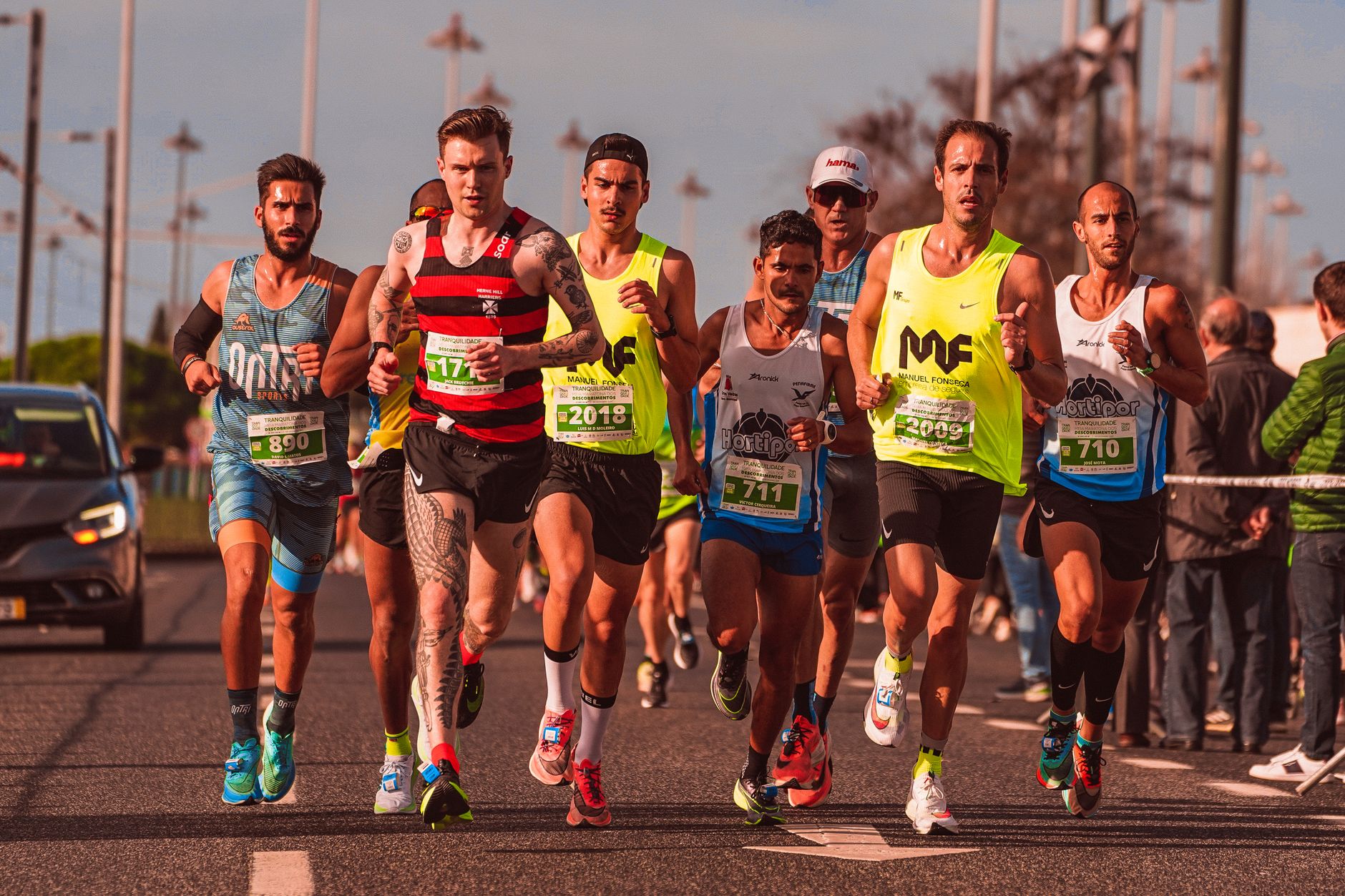
If your fitness goal includes hitting a specific intensity minute target—perhaps your doctor recommended 150 minutes of moderate to vigorous activity per week—you can structure your training accordingly. Interval training is extremely efficient: a 20-minute workout with alternating hard and recovery segments often yields 15-18 intensity minutes, whereas a 20-minute easy run might yield only five to eight. A practical example: three running sessions per week with a mix of steady-state moderate runs and one interval session can easily meet or exceed the WHO’s activity recommendations. The tradeoff to consider is injury risk and recovery.
Packing all your intensity minutes into high-intensity sessions and neglecting recovery days might satisfy your watch’s goals but compromise your long-term fitness and increase your risk of overuse injuries. A balanced approach—mixing easy runs with moderate runs and occasional hard efforts—typically produces the best fitness outcomes even if it takes slightly longer to accumulate the same intensity minute count. Some weeks you’ll naturally earn more intensity minutes from hill work or faster paces; other weeks, your easy runs will dominate and intensity minute totals will dip. Both patterns are normal and healthy.
Garmin, Apple Watch, and Fitbit Differences in Calculating Intensity
Different manufacturers use fundamentally different methodologies, creating real discrepancies in intensity minute reporting for identical workouts. Apple Watch uses a proprietary algorithm trained on movement data and doesn’t rely solely on heart rate—it factors in pace, movement intensity, and other variables. Fitbit generally uses a heart rate zone approach based on your personal zones. Garmin offers the most granular customization, allowing you to set your own training zones or use data from lab tests.
A common warning: don’t compare intensity minute counts across different devices. Your Apple Watch and Fitbit might record a 30-minute run as 25 and 18 intensity minutes respectively, and neither is “wrong”—they’re simply measuring with different criteria. This inconsistency frustrates many runners who switch devices or use multiple trackers simultaneously. If consistency is important for your fitness tracking, stick with one device for baseline comparisons and understand that the absolute numbers matter less than the trends over time and whether they align with how you actually feel.

Heart Rate Monitors vs. Wrist-Based Trackers
Chest-worn heart rate monitors provide more accurate heart rate data than wrist-based sensors, which can be affected by arm movement, watch fit, and individual physiology variations. Many runners using fitness watches alongside dedicated HR monitors notice discrepancies in intensity minute counts because the watch’s heart rate reading doesn’t match the chest strap’s measurement.
If you’re serious about accurate intensity tracking, a chest-worn HR monitor paired with your watch yields more reliable data. For casual runners, the wrist-based reading is sufficient to track general trends and meet basic activity goals.
The Future of Intensity Minute Tracking
As wearable technology advances, intensity measurement algorithms continue to improve. Future devices will likely incorporate additional biomarkers beyond heart rate—blood oxygen, lactate levels, and real-time VO2 data—to provide more nuanced and accurate intensity assessments.
Some advanced sports watches already track training load and recovery metrics that paint a fuller picture of how hard your body is actually working. For now, intensity minutes remain a useful but imperfect proxy for cardiovascular exertion. The best approach is using them as one tool among many to understand your fitness rather than treating them as the definitive measure of a workout’s value.
Conclusion
Most running earns approximately one intensity minute per minute spent at moderate to vigorous effort, though exact numbers depend on your fitness tracker’s algorithm, your personal heart rate zones, and your running pace. Understanding how your specific device calculates intensity—whether it relies purely on heart rate percentage, incorporates pace data, or uses proprietary algorithms—helps you set realistic goals and interpret your results accurately. The variation across devices and running conditions is normal; what matters most is consistency over time and alignment with how the workout actually felt.
Don’t get overly fixated on hitting a specific intensity minute target at the expense of balanced training that includes recovery and easy runs. These lower-intensity efforts form the foundation of good running fitness and injury prevention. Track your intensity minutes to monitor progress and ensure you’re meeting basic cardiovascular activity guidelines, but remember that a meaningful running life includes hard workouts, easy runs, and everything in between.
Frequently Asked Questions
Do I get intensity minutes for walking?
Walking rarely registers as intensity minutes unless you’re walking very briskly or are significantly deconditioned. For most people, walking at a typical pace keeps heart rate too low to meet the intensity threshold. Speed-walking or power walking at 4+ mph has a better chance, but running is far more efficient at generating intensity minutes.
Can I earn intensity minutes on a stationary bike?
Yes. Cycling at a moderate to vigorous pace accumulates intensity minutes using the same heart rate zone principles as running. Stationary bikes sometimes produce inaccurate heart rate readings if you’re not gripping the handles properly, but the concept is identical.
Why does my watch sometimes show fewer intensity minutes at the end of a run than it did during the run?
Your watch may still be calculating data or adjusting heart rate readings during the cool-down period. Some devices exclude the final few minutes of a workout if heart rate is dropping. Give your device a few minutes after you stop moving for final calculations to complete.
Should I be concerned if I’m earning zero intensity minutes on my easy runs?
No. Easy runs serve an essential purpose in training by building aerobic capacity without excessive stress. A week with mostly easy runs and one or two higher-intensity sessions is ideal for most runners, even if easy run days show low intensity minute counts.
Does running uphill earn more intensity minutes?
Uphill running typically elevates your heart rate more than flat running at the same pace, so yes, hill work generally accumulates intensity minutes faster. This is one reason why trail running and hilly routes often generate high intensity minute totals.
Can I improve my intensity minute count without running faster?
Yes. Improving your cardiovascular fitness raises your baseline heart rate response to any given pace, which can increase intensity minutes earned over time. As you become fitter, the same run might generate fewer intensity minutes because your heart becomes more efficient—a sign of positive adaptation, not a problem.