Fitbit’s “Intensity Minutes” measure how much vigorous exercise you’re getting throughout the day, and they’re calculated based on the duration and intensity of your cardiovascular activity, particularly running. When you run at a pace that elevates your heart rate to at least 50 percent of your maximum heart rate (moderate intensity) or 70 percent or higher (vigorous intensity), Fitbit counts those moments as intensity minutes.
For example, a 30-minute run at a steady, challenging pace might earn you 25-28 intensity minutes, depending on your heart rate zones and the Fitbit device’s ability to detect your actual effort level. Intensity minutes represent one of the most useful metrics Fitbit offers for runners because they directly align with exercise guidelines from major health organizations like the American Heart Association, which recommends 150 minutes of moderate-intensity aerobic activity per week. Unlike simple step counts or calorie estimates, intensity minutes force you to think about the quality of your effort, not just the quantity of activity.
Table of Contents
- How Does Fitbit Calculate Running Intensity Minutes?
- The Limitations of Fitbit’s Intensity Minute Tracking
- Using Heart Rate Zones to Understand Your Intensity Minutes
- Strategic Ways to Build Your Weekly Intensity Minutes
- When Fitbit Misses or Overcounts Your Running Effort
- How to Optimize Your Fitbit for Accurate Running Data
- The Future of Intensity Tracking in Running
- Conclusion
- Frequently Asked Questions
How Does Fitbit Calculate Running Intensity Minutes?
Fitbit determines intensity minutes through a combination of your heart rate data and exercise classification. When you log a run or Fitbit automatically detects running activity, the device tracks your heart rate in real time and compares it to your personal maximum heart rate (which Fitbit estimates based on your age and resting heart rate). Moderate intensity begins around 50 percent of your max heart rate, while vigorous intensity kicks in at roughly 70 percent. If you’re running at a tempo pace where your heart rate stays consistently in that higher zone, Fitbit credits you with intensity minutes for the entire duration—not second-by-second, but as continuous blocks of elevated exertion.
The accuracy of intensity minute calculation depends heavily on your device’s heart rate sensor quality and whether you’re wearing it correctly. A Fitbit Charge 5 or Sense 2, with their advanced sensors, will generally catch intensity minutes more reliably than older Inspire models. If your band is too loose or you’re moving your arm in a way that interferes with the optical sensor, Fitbit might miss significant portions of your run. For comparison, a runner doing a steady 8-minute-mile pace will typically earn nearly all of those minutes counted, whereas someone running at a conversational 10-minute-mile pace might register only some of those minutes as intensity, depending on their personal heart rate zones.
The Limitations of Fitbit’s Intensity Minute Tracking
One major limitation is that Fitbit’s heart rate estimation and zone calculations aren’t perfect, and the device has no way to distinguish between running uphill versus on flat ground when assessing true effort. A runner who tackles a steep trail might actually be working much harder than their heart rate suggests, because some of the effort goes into muscular work rather than cardiovascular stress. This means Fitbit can undercount intensity minutes for strength-heavy running efforts like hill repeats or trail running.
Additionally, if you have an unusual resting heart rate—say you’re a highly trained runner with a resting rate of 40 bpm—Fitbit’s zone calculations might be off by 5-10 percent, creating a systematic undercount or overcount of your intensity minutes over time. Another practical limitation surfaces when using certain Fitbit devices outdoors on sunny days. Some runners report that their optical heart rate sensor becomes unreliable in direct sunlight, leading to erratic readings that cause the device to miss intensity minutes entirely. The workaround is to wear your Fitbit higher on the forearm or in a better position for sensor contact, but many runners don’t realize this is the issue until they’ve already completed several workouts with incomplete data.
Using Heart Rate Zones to Understand Your Intensity Minutes
Fitbit automatically sets your heart rate zones based on your age, but you can also manually adjust them in the app if you know your true maximum heart rate from a lab test or actual running experience. The device typically divides your heart rate into five zones: below 50 percent of max (light), 50-70 percent (moderate), 70-85 percent (vigorous), 85-100 percent (very vigorous), and above 100 percent (maximum). Only the moderate and vigorous zones (50 percent and above) contribute to your intensity minutes, which means easy conversational runs do not earn intensity points, even though they’re valuable for aerobic base building.
Understanding this structure changes how you interpret your running data. A 5-mile easy run might earn zero intensity minutes if you’re running at a genuinely easy effort, while a 2-mile tempo run might deliver 18-20 intensity minutes because you’re working harder. This aligns with training principles—your body needs both easy runs and hard runs—but it can be psychologically frustrating if you’re used to seeing “activity points” for every workout. For example, a runner doing four runs per week (two easy, two hard) might rack up 120-150 intensity minutes per week, hitting the AHA guideline even though total running time is much higher.

Strategic Ways to Build Your Weekly Intensity Minutes
Most running coaches recommend aiming for 150 intensity minutes per week, which you can achieve through various combinations of effort. You could hit this target with three moderate-intensity 50-minute runs per week, or with a mix of two 40-minute moderate runs and one 30-minute vigorous run, or even one long 75-minute run at zone 2 intensity combined with interval training. Your Fitbit dashboard makes it easy to track weekly progress toward this goal, and many runners use that visual feedback to adjust their training week.
A practical example: if you run four days per week with an average run length of 6 miles and you maintain a pace that keeps you in zone 3 (moderate intensity), you’ll likely accumulate 100-130 intensity minutes depending on your pace and fitness level. To push toward 150, you might add a fifth run at an easier effort to maintain recovery, or intensify one of your existing runs with hill work or speed play (fartlek). The tradeoff is that more intensity minutes require more energy and recovery capacity—you can’t maintain vigorous intensity indefinitely without burnout or injury. Fitbit’s weekly progression data helps you avoid the common mistake of ramping up too aggressively.
When Fitbit Misses or Overcounts Your Running Effort
Heart rate spikes from caffeine, anxiety, or heat can sometimes push you into a higher zone artificially, causing Fitbit to credit you with intensity minutes you didn’t actually earn through running effort. Conversely, if you run on a cold morning, your heart rate might be suppressed by 5-10 bpm, potentially dropping below the threshold for intensity credit even though you’re working hard. The device has no built-in way to filter these anomalies, so your intensity minute count might be slightly inflated or deflated in any given week.
Another warning: if you’re training for a running event and following a structured plan, don’t let Fitbit’s intensity minute count become your primary guide for workout intensity. Some training programs intentionally include “zone 2” runs—below the intensity minute threshold—that build aerobic capacity without triggering the intensity tracking. Relying solely on Fitbit could push you to train harder than your plan intends, leading to fatigue or overtraining. Use intensity minutes as one data point alongside your perceived effort, pace, and structured training plan.
How to Optimize Your Fitbit for Accurate Running Data
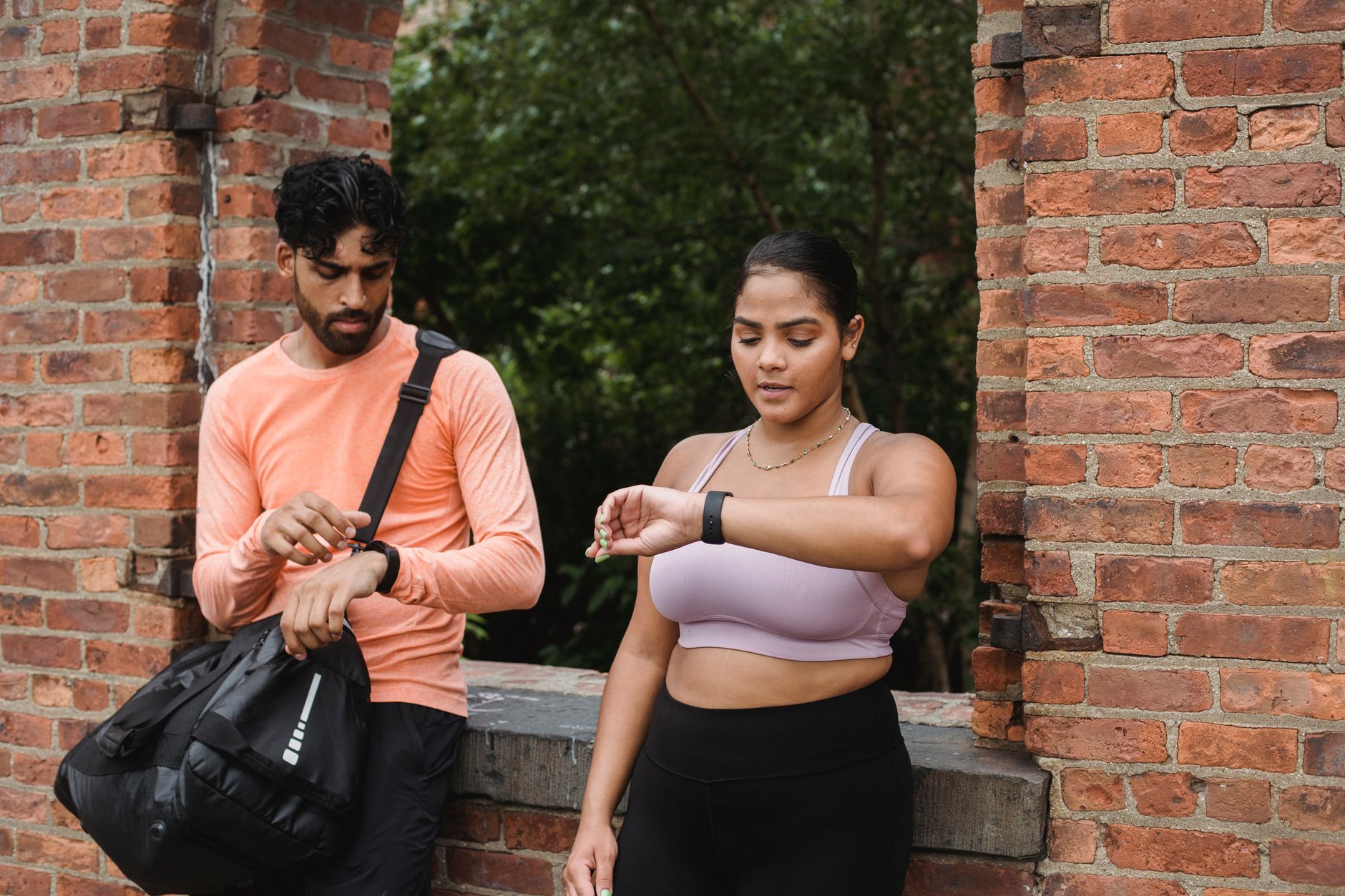
Wear your Fitbit in the right position—typically on the inside of your wrist, about a finger’s width above the wrist bone—for optimal sensor contact. If you’re getting suspiciously low intensity minute counts despite running hard, try adjusting the fit, cleaning the back of the device, and ensuring your skin is dry. Some runners find that moving their tracker to a slightly different position or wearing it on the non-dominant arm improves accuracy.
For competitive runners or those training seriously, consider pairing your Fitbit with a dedicated running watch or a chest-worn heart rate monitor for backup validation. This is especially useful if you’re doing structured intervals or threshold work where accuracy matters for pacing decisions. The Fitbit’s trend data over weeks and months is more valuable than any single workout’s intensity minute count.
The Future of Intensity Tracking in Running
As Fitbit devices evolve, we’re seeing improvements in sensor technology and AI-driven activity recognition that may eventually allow better differentiation between types of effort—distinguishing hill running from flat running, or detecting when you’re pushing hard against wind or fatigue. Some newer Fitbit models now include GPS for running routes, which opens possibilities for more context-aware intensity calculations. For now, treat Fitbit’s intensity minutes as a useful motivational tool and a loose alignment with exercise guidelines, but don’t treat them as gospel, especially if you’re training for performance goals where precision matters.
Conclusion
Fitbit’s intensity minutes offer a straightforward way to track whether you’re meeting the American Heart Association’s exercise recommendations, and they’re particularly useful for runners who want a quick snapshot of training quality. The metric is most accurate when you keep your device fitted properly, understand your personal heart rate zones, and use it alongside other training data rather than as the sole measure of effort.
Start by reviewing your current weekly intensity minute accumulation and comparing it to your perceived effort during runs. If the numbers feel off, experiment with device placement or zone adjustments, and consider whether your running intensity aligns with your actual training plan. Over time, Fitbit’s intensity data becomes a valuable part of the bigger picture of your running fitness.
Frequently Asked Questions
How many intensity minutes should I aim for per week?
The American Heart Association recommends 150 minutes per week of moderate-intensity aerobic exercise, or 75 minutes of vigorous-intensity exercise. Most runners using Fitbit track this as a target for intensity minutes.
Does my pace need to be really fast to earn intensity minutes?
Not necessarily. Intensity minutes are based on your personal heart rate zones, not absolute pace. A beginning runner doing a 12-minute mile might be in the vigorous zone, while a trained runner at that same pace is in the light zone. Your effort relative to your fitness matters more than the absolute number.
Why does my easy run sometimes register intensity minutes when I expected zero?
This usually means your heart rate drifted into the moderate zone even though the run felt easy. Factors like heat, caffeine, stress, or fitness changes can shift where your zones fall. You can adjust your zones manually if you believe they’re inaccurate.
Can I get intensity minutes from activities other than running?
Yes. Any activity that elevates your heart rate into the moderate or vigorous zone (50 percent of max heart rate or higher) counts—cycling, hiking, swimming, jump rope, or even brisk walking, depending on your fitness level.
What if my Fitbit seems to miss intensity minutes during hill runs?
Hill running can sometimes create inconsistent sensor readings if your arm movement changes or the fit shifts. Try adjusting the fit, and consider that some of the effort is muscular rather than cardiovascular, which might not fully register in heart rate zones.
Should I adjust my training based on Fitbit’s intensity minute count?
Use it as one input, not the only guide. Structured training plans are more reliable for performance goals. Intensity minutes are best used to confirm you’re doing some harder work and hitting general activity guidelines.