
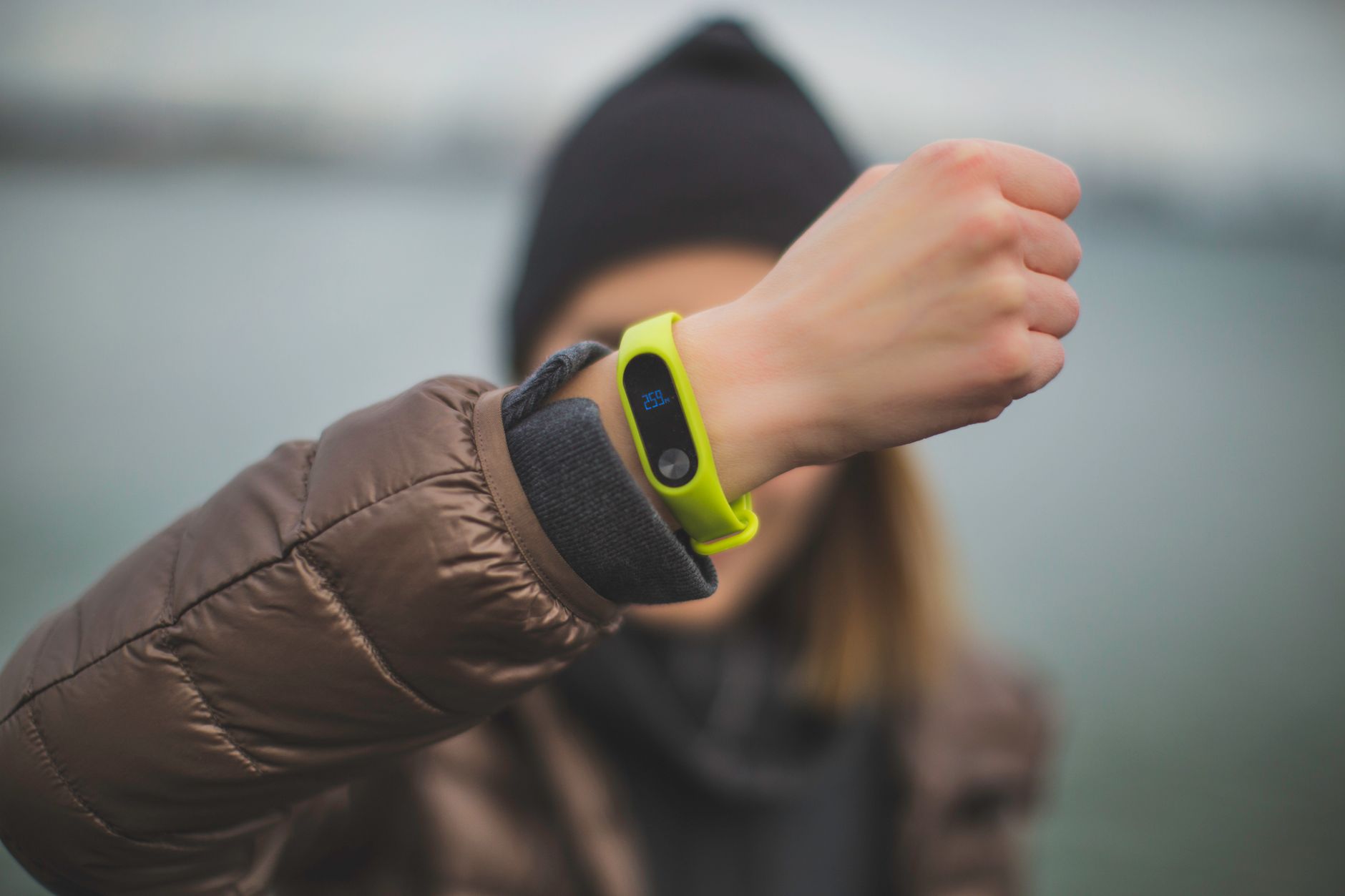
Yes, Garmin watches can count intensity minutes without GPS. Your Garmin uses your heart rate data, combined with motion sensors like the accelerometer, to detect when you’re exercising at an intensity level that qualifies as moderate to vigorous activity. You don’t need GPS running to generate intensity minutes—walking indoors on a treadmill, doing a strength workout in your home, or cycling on an indoor trainer will all add to your intensity minutes as long as your heart rate and movement patterns match what Garmin’s algorithms consider “intense.” The key to this functioning without GPS is that Garmin measures intensity primarily through your elevated heart rate and body movement, not your location.
For example, if you’re on a treadmill at 6 miles per hour with a heart rate of 140 BPM, your watch knows you’re exercising intensely regardless of whether you’re indoors or outdoors, and whether GPS is active or not. This is fundamentally different from how distance or pace is tracked, which does require GPS. That said, the accuracy of intensity minute calculations improves when Garmin has more data points. GPS-enabled activities often include additional contextual information that helps refine the calculation, but the absence of GPS won’t prevent your watch from counting intensity minutes altogether.
Table of Contents
- How Does Garmin Measure Intensity Without Location Data?
- Limitations of Intensity Tracking Without GPS
- When GPS-Free Intensity Tracking Works Best
- How to Optimize Intensity Tracking on Your Garmin Without GPS
- Common Issues and Edge Cases
- Comparing GPS-Enabled vs. GPS-Free Intensity Tracking
- The Future of GPS-Free Intensity Tracking
- Conclusion
- Frequently Asked Questions
How Does Garmin Measure Intensity Without Location Data?
garmin‘s intensity minute system relies on heart rate zones rather than GPS positioning. Your watch monitors your heart rate throughout the day and during exercise, and when it detects sustained elevated heart rate—typically in what Garmin defines as Zone 3 (moderate intensity) or higher—it counts those minutes. The algorithm also factors in your age, resting heart rate, and maximum heart rate to personalize the calculation for your individual fitness profile. The accelerometer in your Garmin also plays a supporting role.
This sensor tracks movement and acceleration patterns, helping distinguish between casual activity and genuine exercise. For instance, if you’re walking slowly at a grocery store, your heart rate might be slightly elevated but your movement pattern won’t match vigorous activity, so it won’t generate intensity minutes. But if you’re on a StairMaster with your heart rate at 150 BPM, the accelerometer detects the repetitive, high-energy motion pattern and confirms you’re exercising intensely. This multi-sensor approach means your watch is actually more sophisticated than just looking at your position on a map. Garmin doesn’t need to know where you are to understand what your body is doing.

Limitations of Intensity Tracking Without GPS
While GPS-free intensity minute counting works, it has notable limitations. The biggest issue is reduced context about what type of activity you’re doing. When you manually select an activity on your watch—choosing “treadmill running” or “strength training”—you’re giving Garmin helpful context about what to expect. Without GPS, if you forget to start an activity recording and just leave your watch in basic tracking mode, it may not recognize certain workouts as intensely as it should. Heart rate elevation doesn’t always correlate perfectly with effort.
Some people naturally have lower maximum heart rates, while others have elevated resting rates due to stress or caffeine. If you have a condition that affects heart rate regulation, or if you’re taking certain medications, Garmin’s intensity calculations may be inaccurate. Additionally, some forms of intense exercise—like heavy strength training or isometric exercises—might not elevate your heart rate as much as the effort level would suggest, potentially leading Garmin to undercount intensity minutes in those scenarios. Another practical limitation: if you have a Garmin that relies on wrist-based heart rate measurement rather than a chest strap, accuracy can suffer during certain activities. Running on a treadmill with loose arm movement might produce inconsistent heart rate readings, as can swimming or cycling where your wrist position changes constantly. Chest strap heart rate monitors provide more consistent data, which translates to more reliable intensity minute counts.
When GPS-Free Intensity Tracking Works Best
Indoor workouts are the primary use case where GPS-free intensity tracking shines. Consider someone doing a 45-minute spinning class in the morning. Their heart rate spikes to 160 BPM within minutes, stays elevated throughout, and their watch—without any GPS signal—accurately records all 45 minutes as high-intensity activity. No location data needed; the heart rate alone tells the complete story. Another example is strength training.
If you’re doing heavy squats or deadlifts, your rest periods between sets might temporarily lower your heart rate, but the overall session will show sustained elevated heart rate if you’re working with meaningful weight. Garmin will count your intensity minutes for the periods when your heart is elevated enough. The same applies to HIIT workouts at home, rowing machine sessions, or elliptical trainer efforts—all generate reliable intensity minute counts without GPS. Even some outdoor activities work well without GPS from an intensity perspective. If you’re running outside but your Garmin’s GPS receiver takes a long time to lock on, the heart rate and motion sensors will still be capturing your intensity data in real time. By the time your GPS signal stabilizes, you may have already accumulated several minutes of intensity data, reducing any gaps.

How to Optimize Intensity Tracking on Your Garmin Without GPS
To get the most accurate intensity minute counts without GPS, start by ensuring your personal metrics are correctly configured in Garmin Connect. Your age, weight, resting heart rate, and maximum heart rate should all be accurate, as these values directly influence how Garmin calculates intensity zones. Many runners underestimate their maximum heart rate, which throws off zone calculations. If you’ve been using your Garmin for months and your numbers feel off, updating your profile is the first troubleshooting step. Next, be intentional about activity selection. When you’re about to exercise indoors, use the “manual activity” menu rather than leaving your watch in general tracking mode.
Choose the activity type that best matches what you’re doing—treadmill running, strength training, cycling, or yoga. This gives Garmin’s algorithm proper context and often improves how it weighs heart rate changes against expected ranges for that specific activity. The difference between manual tracking and passive detection can be significant; manually selected activities typically log more accurate intensity data. If you use a chest strap heart rate monitor, pair it with your watch instead of relying solely on wrist-based heart rate. This is especially important if you notice your wrist measurements seem inconsistent or if you do activities where your wrist position is unstable. A chest strap provides steady, reliable input that translates directly to more trustworthy intensity minutes. Some competitive runners prefer this method even for GPS runs, as the heart rate data feeds into power calculations and other advanced metrics.
Common Issues and Edge Cases
One frequent frustration: if your Garmin watch is several generations old, its intensity calculation algorithm may not be as refined as newer models. Older watches sometimes underestimate intensity during certain activities because their processing power and sensor sophistication are limited. If you’re on a much older device and your intensity minute counts seem low, this could be the reason. Upgrading to a newer model often provides noticeably better accuracy. Another issue is what runners call “the dead zone”—activities that fall between moderate and vigorous intensity.
A steady-paced recovery run might keep your heart rate at 120 BPM, which could be either Zone 2 (aerobic) or Zone 3 (moderate intensity) depending on your max heart rate. Near these boundaries, Garmin’s classification becomes somewhat arbitrary, and small variations in your actual effort level might flip whether the activity counts. This is less of a problem with clearly intense efforts like sprints or threshold work, but moderate-paced workouts sit in a gray zone where GPS-free tracking may under- or over-count. Weather can also affect readings. If you’re exercising indoors in a very warm environment, your heart rate naturally elevates slightly even at the same effort level compared to a cool room. Garmin has no way to account for environmental factors without additional data input, so your intensity minutes during a hot yoga class might be inflated compared to the same yoga routine in a cool studio.

Comparing GPS-Enabled vs. GPS-Free Intensity Tracking
When you enable GPS during outdoor running, Garmin gains access to pace and distance data, which provides an additional validation layer for intensity calculations. If the GPS says you’re running at 7 minutes per mile, Garmin can cross-check that against your heart rate to assess whether your intensity level makes sense. A 7-minute mile with a 130 BPM heart rate suggests steady effort, while 7 minutes per mile with 170 BPM suggests you’re pushing hard.
GPS-enabled runs tend to have slightly more refined intensity assessments because of this context. Without GPS, Garmin is working with heart rate and motion data alone. This isn’t wrong—it’s just less contextual. The outcome is typically still accurate, but there’s no external reference point to validate whether the heart rate spike matches the expected intensity for your current activity.
The Future of GPS-Free Intensity Tracking
As smartwatch sensors become more sophisticated, intensity tracking without GPS will likely improve. New accelerometers and gyroscopes provide richer motion data, and some manufacturers are experimenting with blood oxygen sensors to add another dimension to intensity assessment. Garmin’s algorithm is also constantly refined through software updates, meaning older watches sometimes get better at GPS-free intensity tracking without any hardware change.
For most runners, the practical reality is that GPS-free intensity minute counting already works well for its intended purpose. Whether you’re training indoors or caught in a situation where GPS signal is weak, your Garmin will still generate useful intensity data. The slight accuracy trade-off is worth the convenience and battery savings that come with leaving GPS off for indoor workouts.
Conclusion
Garmin watches absolutely count intensity minutes without GPS, using heart rate sensors and motion accelerometers to detect when you’re exercising at moderate to vigorous levels. This functionality means you can track your daily activity intensity whether you’re on a treadmill at 6 AM, in your living room doing HIIT, or outdoors before your GPS receiver fully locks on.
The key is understanding that intensity is primarily a heart rate phenomenon, not a location-based measurement. To maximize accuracy, keep your personal metrics current in Garmin Connect, manually select activity types when exercising indoors, and consider a chest strap heart rate monitor if you notice inconsistent wrist-based readings. While GPS-enabled tracking offers additional context and refinement, GPS-free intensity counting provides a reliable and practical way to monitor your daily activity, making it one of Garmin’s most useful features for health-conscious runners and fitness enthusiasts.
Frequently Asked Questions
Will my Garmin count intensity minutes if GPS is turned off?
Yes. Garmin uses heart rate and motion sensors to detect intensity independent of GPS. You’ll accumulate intensity minutes during GPS-off activities as long as your heart rate reaches appropriate zones.
Can a Garmin smartwatch count intensity minutes indoors?
Absolutely. Indoor cycling, treadmill running, strength training, and other gym activities all generate intensity minutes without GPS. Manual activity selection improves accuracy.
What’s the most accurate way to track intensity minutes on a Garmin?
Pair a chest strap heart rate monitor with your watch, manually select the correct activity type, and ensure your personal profile data (age, resting heart rate, max heart rate) is current.
Does intensity minute counting work the same on all Garmin models?
The basic functionality works across most modern Garmin watches, but newer models have more refined algorithms and sensors, potentially providing slightly better accuracy than older devices.
Can Garmin tell the difference between walking and running without GPS?
Garmin uses the accelerometer to detect movement patterns, so it can often distinguish between walking and running even without GPS. However, the distinction is more reliable with a manually selected activity type.
What if my heart rate monitor isn’t working properly?
If your wrist-based sensor is unreliable, connect a Bluetooth chest strap heart rate monitor instead. This provides consistent data for accurate intensity tracking regardless of your arm position during exercise.
1 thought on “Can Garmin Count Intensity Minutes Without GPS?”
Comments are closed.