
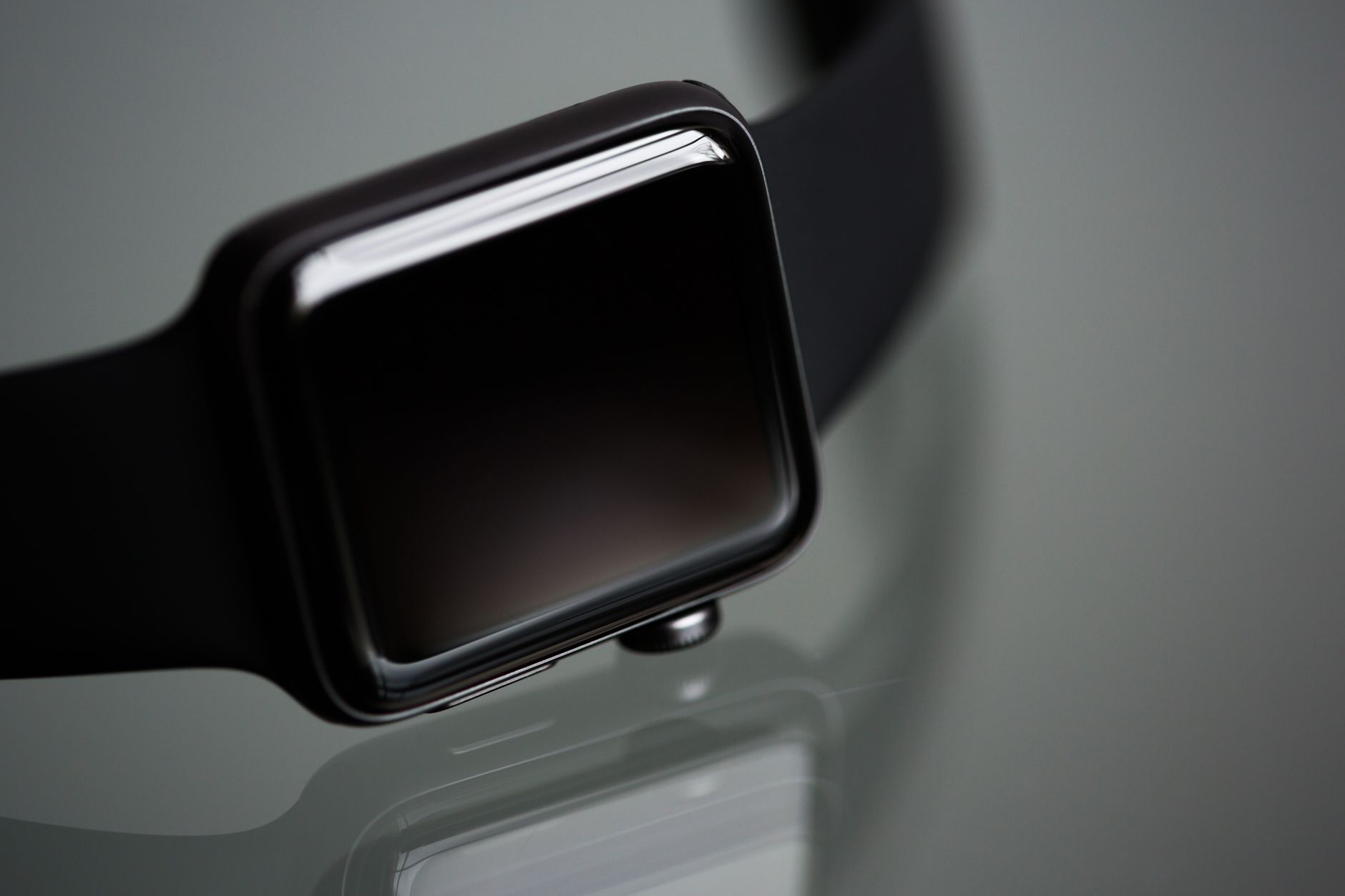
An Apple Watch running checklist covers gear fit, hydration timing, and warm-up so your run is tracked, fueled, and safer. For most recreational runners that means setting up Outdoor Run, securing fit for heart rate, drinking on a schedule, and easing in and out of pace. Outdoor Run is the Apple Watch workout that records route, heart rate, and pace during an outside run. Use the checklist below before you head out, especially for longer runs, heat, or evening light.
Medical information disclaimer: This article is for general educational purposes only and does not provide medical advice, diagnosis, or treatment. Always consult a physician or other qualified health professional about symptoms, medications, tests, or treatment decisions.
Table of Contents
- How do you set up the watch for a run?
- What gear should you check?
- How much should you drink?
- How should you warm up and pace the run?
- Frequently Asked Questions
How do you set up the watch for a run?
Open Outdoor Run before you start so the watch can lock onto route, pace, and heart rate. Apple Support says the mode tracks route with built-in GPS plus pace and pace alerts, with Auto-Pause when you stop and Precision Start on Ultra to confirm signal before the countdown, according to Apple's run tracking guide.
Tighten the band for the workout so the back sensor keeps skin contact, then loosen it afterward. Wear the watch snug but comfortable above the wrist bone. Apple notes heart-rate readings can still be unreliable for some people, especially in cold or with irregular motion.
What gear should you check?
The watch is water-resistant rather than waterproof, but Apple lists sweat, walking in rain, and hand-washing as permitted uses. Series 2 and later add a 50-meter rating, while Ultra adds high-speed water and 40-meter dive use. For evening runs, NHTSA advises pedestrians to use reflective or retroreflective materials and carry a flashlight, noting white clothing alone does not guarantee drivers can see you.
- Tightened sport band with clean sensor contact
- Weather-appropriate clothing plus reflective material and flashlight at night
- Water or sports drink for the planned distance and heat
- Phone, ID, and route plan if running alone or in low light
How much should you drink?
Drink about 500-600 mL water or sports drink 2-3 hours before exercise, plus 200-300 mL 10-20 minutes before, under National Athletic Trainers' Association guidance, according to the trainers' fluid replacement statement. That early drink gives time to urinate excess fluid before the start.
During and after, aim to match intake close to sweat plus urine losses and keep body-mass loss under 2%. Practical runners use pre-run and post-run weigh-ins and repeat sweat-rate checks across heat and intensity. Avoid overdrinking without sodium because it can cause hyponatremia; salty sweaters and long hot runs need more sodium replacement.
How should you warm up and pace the run?
Start with a 5-minute walk or gentle jog, then run at conversational pace before pushing faster. Cool down with the same easy walk or jog for 5 minutes after the run. Hospital running guidance recommends that easy start and finish to reduce strain and soreness.
Start slow and build pace gradually rather than sprinting from the door. The CDC advises athletes to drink more water than usual without waiting until thirsty, and to treat muscle cramping as a possible early sign of heat illness requiring rest and cooling, according to the CDC heat guidance for athletes. Stop in shade, cool down, and cut the run short if cramps, dizziness, nausea, or heavy fatigue appear.
Frequently Asked Questions
Do I need to pause the watch at traffic lights?
Enable Auto-Pause so Outdoor Run pauses when you stop and resumes when you move.
How do I know if I drank enough after a run?
Compare pre-run and post-run weight; staying within 2% loss suggests fluid replacement was close.