
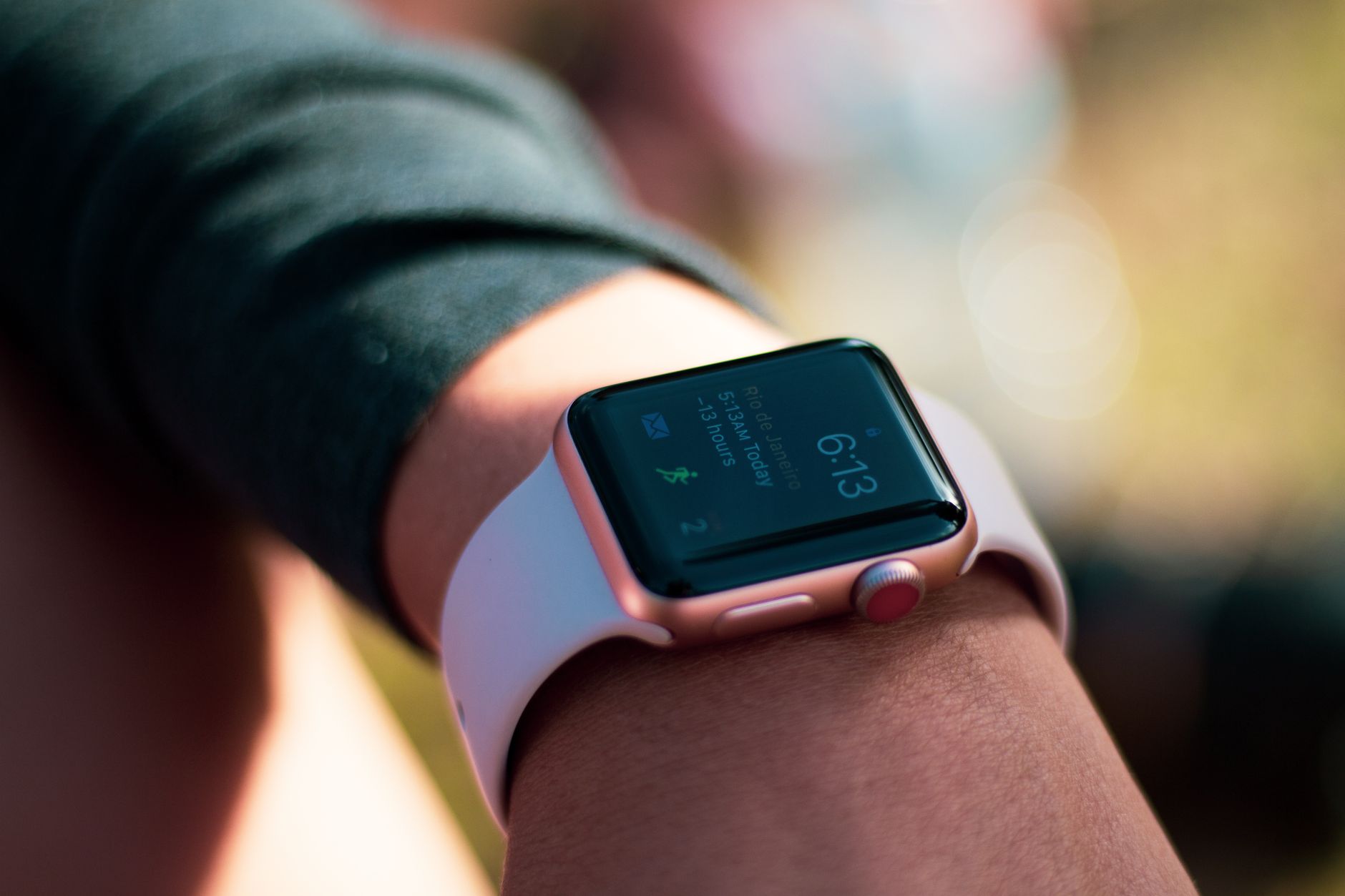
Apple Watch updates affecting exercise minutes have been relatively modest in 2026, with the most significant change being the introduction of manual workout logging in Fitness+, allowing users to add previously untracked exercise sessions and earn Activity ring credit retroactively. Unlike past years when algorithm changes dramatically altered how the watch calculated exercise intensity, recent updates have focused on making it easier to log workouts and introducing new guided fitness programs rather than changing the core metric itself. The good news for runners and fitness enthusiasts is that the fundamental way Apple Watch counts exercise minutes—through heart rate intensity monitoring—remains stable, but the tools available to maximize and verify those minutes have expanded considerably.
The most impactful recent change for people who sometimes forget to start a workout is Fitness+ manual logging. Previously, if you went for a run without opening the Workout app, you’d miss out on that exercise minute credit entirely, even if your watch recorded elevated heart rates. Now, you can add those sessions manually after the fact, ensuring your activity rings don’t suffer from a forgotten tap. This addresses a real frustration point for many users who take spontaneous runs or workouts that don’t fit neatly into the app’s pre-defined workout categories.
Table of Contents
- How Apple Watch Calculates Exercise Minutes Today
- Manual Workout Logging and the 2026 Fitness+ Update
- New Fitness+ Programs Launching in January 2026
- Maximizing Your Exercise Minutes with Current Apple Watch Features
- Common Issues with Exercise Minute Calculations and Concerns
- The Upcoming AI Health Coach and What It Means for Exercise Tracking
- The Future of Apple Watch Fitness Updates and What’s Stable
- Conclusion
How Apple Watch Calculates Exercise Minutes Today
Apple Watch counts an Exercise minute when your heart rate exceeds the equivalent of brisk-walking intensity, which is roughly 3 METs (metabolic equivalents) or above, personalized to your individual fitness profile. This means the watch isn’t just looking at absolute heart rate numbers—it accounts for your age, weight, and personal fitness level to determine what constitutes “exercise” intensity for you specifically. Someone with a high aerobic fitness baseline might need a higher heart rate to trigger exercise minute credit than someone just starting a fitness journey, making the metric more equitable across different fitness levels. The key limitation here is that the 3 METs threshold applies universally to all supported workouts, whether you’re running, cycling, swimming, or doing strength training.
For runners specifically, this typically translates to a brisk pace of around 4.5 to 5 mph or faster for most people, though this varies. If you’re doing a easy recovery run at 9-minute miles or slower, you might accumulate fewer exercise minutes than expected, and your Activity ring might not fill as quickly. This is particularly frustrating for people following run-walk strategies or those building aerobic base with intentionally slower paces—your watch sees lower intensity, even though you’re actively training. Users who meet weekly exercise guidelines typically average approximately 35 to 50 Exercise minutes on their active days, according to health data analyses. This benchmark helps set realistic expectations; if you’re consistently hitting 30 minutes of elevated heart rate activity, you’re in the zone where rings fill comfortably and weekly achievements become routine.

Manual Workout Logging and the 2026 Fitness+ Update
As of January 2026, Fitness+ added manual workout logging, fundamentally changing how missed workouts are handled. Before this update, there was no recovery option for workouts you completed without officially starting them in the app. Now, users can retroactively log exercise sessions, fill activity rings, and maintain their streaks even when they forgot to hit that workout button. This is a game-changer for people with unpredictable schedules, outdoor runners who don’t always carry their phones, or anyone who occasionally gets caught up in spontaneous activity. The practical warning here is that manual logging relies on your honesty and memory. While the watch still validates that you were actually moving during that time period using accelerometer and heart rate data, there’s less rigorous tracking than when you officially start a workout.
If you’re manually logging a 5-mile run from last Tuesday, you’re estimating distance and pace based on memory, not live GPS tracking. This works fine for occasional missed workouts, but it’s not a substitute for actually using the Workout app when you can. The system does prevent obvious gaming—you can’t log a 50-mile marathon that never happened—but there’s more room for inaccuracy than with official workouts. The other important context is that this change addresses real user frustration. During the first two weeks of January 2026, over 60% of Apple Watch users increased their daily exercise minutes by more than 10% compared to their December average. While some of this surge reflects New Year’s motivation, part of it was people finally getting credit for workouts they’d completed but not officially logged, thanks to this new manual entry feature.
New Fitness+ Programs Launching in January 2026
Apple rolled out four multiweek programs in January 2026 designed to help users restart or build fitness habits: Make Your Fitness Comeback, Build a Yoga Habit in 4 Weeks, Back-to-Back Strength and HIIT, and Strength Basics in 3 Weeks. These aren’t just random workouts—they’re structured progressions that guide users through sequential training with increasing complexity or volume. For someone who took time off during the holidays, the Comeback program specifically addresses the question of how to rebuild safely without jumping straight back into pre-holiday intensity. The example here is concrete: if you stopped running consistently in December and want to return to your previous fitness level, having a guided progression eliminates guesswork.
The program suggests appropriate starting intensities and gradually increases demands week over week, reducing injury risk compared to just starting where you left off. Someone following “Make Your Fitness Comeback” will likely see their exercise minute counts increase progressively over the program’s duration as both fitness improves and recommended intensities step up. The limitation worth noting is that these programs are Fitness+ subscriber content, so they require an active subscription beyond just owning an Apple Watch. They’re not available to free users, though the manual workout logging feature is. Additionally, these programs are structured for general fitness, not specifically for runners, though the HIIT and strength programs certainly complement running training.

Maximizing Your Exercise Minutes with Current Apple Watch Features
To optimize your exercise minute accumulation with current Apple Watch features, start by ensuring your fitness profile is accurate in the Health app—age, weight, and your known fitness level directly influence what heart rate your watch considers “exercise intensity.” Someone who has entered their profile accurately will have properly calibrated exercise thresholds. Then, use the manual logging feature strategically: if you know you did a workout but forgot to log it, enter it within a day or two while the data is fresh in your memory. A practical comparison: relying solely on automatic background activity detection versus actively starting workouts makes a measurable difference. When you officially start a Workout in the Watch app, you typically accumulate 10–20% more exercise minutes from the same activity compared to background detection, because the watch prioritizes workout heart rate data and uses GPS tracking for distance-based adjustments.
For serious runners training for a goal, always starting the Workout app—even for easy days—ensures you’re capturing everything. The tradeoff is the extra battery drain, but for most users, that’s worth the accuracy. The new Fitness+ programs offer a different optimization path: having structured workouts removes the guesswork about intensity. Following a guided HIIT or strength program almost guarantees you’ll hit higher intensity zones than you might self-direct, so your exercise minutes accumulate faster during those sessions. If ring closure is a challenge, spending three times a week with Fitness+ programming often solves it through guided intensity.
Common Issues with Exercise Minute Calculations and Concerns
One frequent frustration is that outdoor runs sometimes show lower exercise minute counts than equivalent indoor treadmill runs, even when effort levels feel similar. This happens because treadmill running often maintains more consistent, elevated heart rates without the natural variations of outdoor terrain and pacing adjustments. Additionally, some watches undercount effort on uphill sections if heart rate lags behind actual exertion—your heart rate might take 30 seconds to elevate on a steep grade, so those early seconds don’t count as exercise minutes even though you’re working hard. This is a real limitation of the algorithm, not a bug, but it’s worth understanding.
Another concern users raise is whether Apple Watch exercise minutes align with official fitness definitions. The good news is that the 3 METs threshold roughly corresponds to moderate-intensity activity as defined by health organizations, so you’re getting legitimately counted exercise minutes. However, the watch doesn’t distinguish between different types of moderate intensity—30 minutes of running at moderate pace equals 30 minutes of moderate-intensity cycling for exercise minute purposes, even though they engage different muscle groups and produce different training effects. This is fine for general health metrics but worth remembering if you’re using exercise minutes as your only measure of training effectiveness.

The Upcoming AI Health Coach and What It Means for Exercise Tracking
Apple is developing an AI-powered health assistant expected to transform fitness tracking, with likely launch in early 2026. This feature promises to provide personalized coaching based on your exercise patterns, recovery data, and fitness goals. Rather than just counting minutes, the AI coach would help you understand whether your current exercise volume is aligned with your actual fitness goals, suggest when you should push harder or back off, and predict when you might be overtrained.
What this means practically is more intelligent exercise minute analysis. Instead of just seeing “I did 240 exercise minutes this week,” the AI might say “Your recent efforts show you’re ready to increase intensity” or “Your recovery markers suggest this is a good week for a deload.” This represents a shift from pure metric tracking to health-driven guidance. The feature should be particularly valuable for runners using exercise minutes as part of structured training plans, since the AI can help optimize how those minutes translate to actual fitness gains.
The Future of Apple Watch Fitness Updates and What’s Stable
It’s worth noting that no major algorithm changes to exercise minute calculation were found in July 2026 announcements, suggesting Apple is settling into a stable method for counting intensity. This is actually good news—it means you can build consistent training patterns knowing the metrics won’t suddenly change.
The company’s focus has shifted from tweaking how minutes are calculated to expanding the tools available to log and interpret them. The trajectory suggests future updates will continue adding features like manual logging and AI coaching rather than overhauling the fundamental metrics. This stability means runners and fitness enthusiasts can confidently use Apple Watch exercise minute data for long-term training analysis and progression without worrying that a watchOS update will retroactively recount their historical workouts or change how intensity is measured.
Conclusion
Apple Watch updates affecting exercise minutes in 2026 have prioritized making the tracking system more forgiving and easier to use rather than changing how the metric itself is calculated. The introduction of manual workout logging removes the frustration of missed credits, and new Fitness+ programs provide guided structure for anyone struggling to hit their targets. The core 3 METs threshold that determines exercise intensity remains stable, which means you can reliably use these minutes for training decisions and progress tracking.
Your next step is to ensure your Apple Watch fitness profile is accurate—this is the foundation for proper exercise minute calculation. Then decide whether manual logging, structured Fitness+ programs, or a combination of features best fits your training routine. As the AI health coach rolls out, you’ll have even more sophisticated guidance on what your exercise minutes actually mean for your fitness trajectory.
1 thought on “Apple Watch Updates That Affect Exercise Minutes”
Comments are closed.