
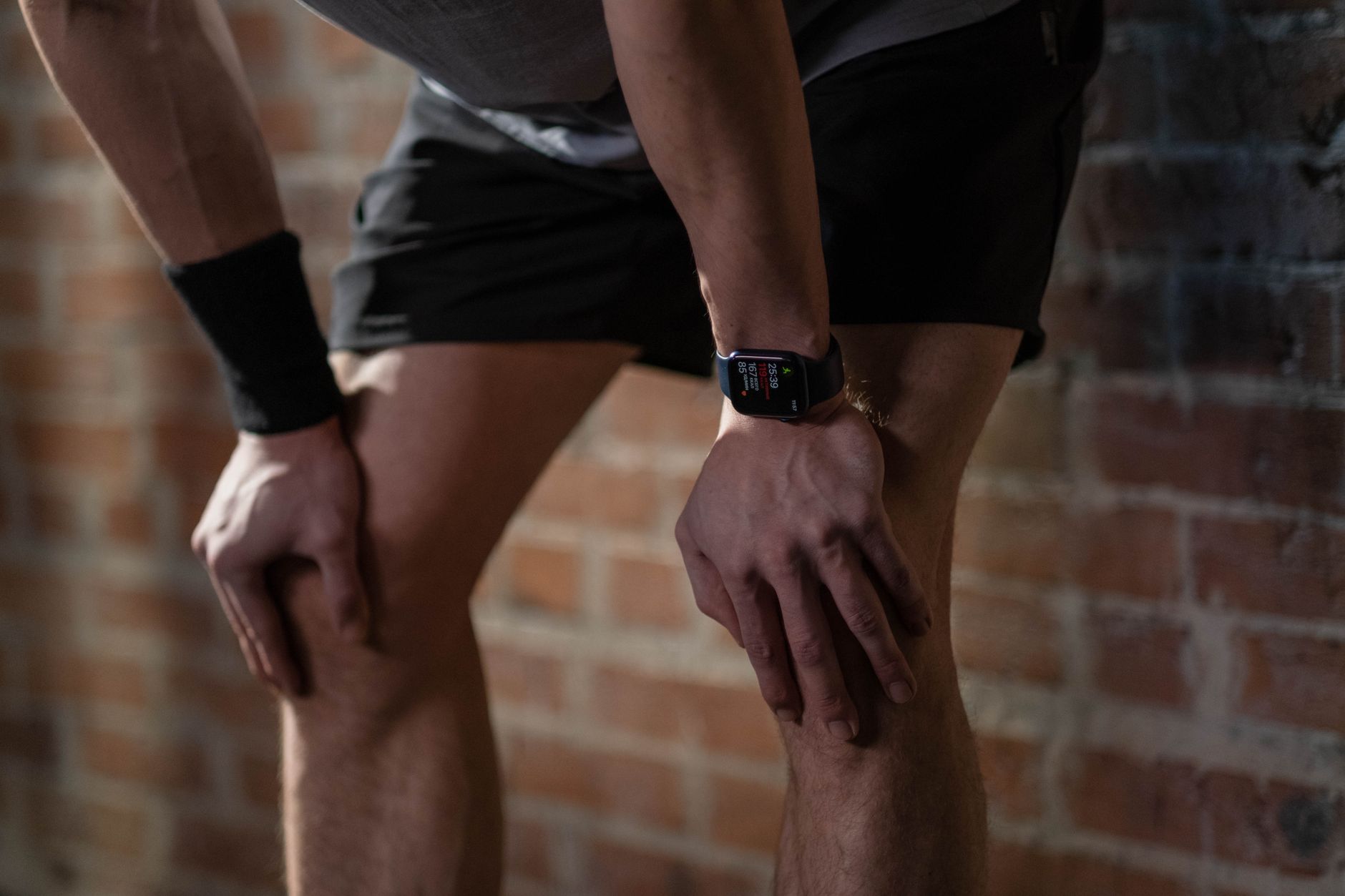
Garmin’s failure to record your workout often comes down to GPS signal loss, improper device settings, or connectivity issues rather than a true tracking failure. When you finish a run and find no activity logged on your device or the Garmin Connect app, the culprit is usually one of several preventable problems: your watch couldn’t acquire a satellite fix before you started moving, it lost connection mid-run due to urban canyoning or dense tree cover, or the activity profile you selected wasn’t actually enabled for automatic tracking. For example, a runner who started a treadmill workout without first positioning their watch near a window for GPS initialization, then switched to outdoor running without manually starting an activity, would return home to find the outdoor portion completely unrecorded even though the device was actively tracking steps.
The frustration intensifies because Garmin devices are otherwise reliable sports watches, which makes a missed workout feel like a betrayal of the device’s core purpose. Most runners assume their watch is always recording, but Garmin watches require deliberate action to start an activity or specific conditions to be met for automatic detection to work. Understanding why these gaps happen is the first step to preventing them.
Table of Contents
- What Causes Garmin to Fail Recording Your Runs?
- The GPS Limitations and Satellite Coverage Problems
- Device Settings and Activity Profile Configuration Mismatches
- Syncing and Data Transfer Issues Between Device and App
- Heart Rate Monitor Disconnection and Sensor Failures
- Battery Management and Power-Saving Mode Complications
- Firmware Updates and Unexpected Configuration Resets
- Conclusion
- Frequently Asked Questions
What Causes Garmin to Fail Recording Your Runs?
GPS signal acquisition is the most common reason garmin misses workouts, particularly for outdoor activities. When you start a running activity on your Garmin watch, the device begins searching for satellite signals from multiple GPS constellations (GPS, GLONASS, Galileo, depending on your model). This process can take anywhere from 10 seconds to 2 minutes in open sky conditions. If you start moving before the watch achieves a GPS fix—indicated by a steady green GPS icon or confirmation message—the device may lock on while you’re already in motion, resulting in a truncated or missing activity file. In urban environments with tall buildings, narrow streets between skyscrapers, or under dense tree canopy, GPS acquisition becomes even more difficult.
A runner who started their Garmin Forerunner while still inside an apartment, then immediately headed outside, might find their watch only recorded the portion of the run after GPS became available, missing the first mile entirely. Different Garmin models handle GPS differently based on their chipsets and antennas. Older Garmin watches (pre-2019 models) had slower GPS acquisition times and less reliable satellite tracking in challenging conditions compared to newer generation watches with multi-band GNSS receivers. Even within current models, a Garmin Fenix 7 with its premium antenna performs better in dense urban areas than a Garmin Epix Gen 2, which in turn outperforms a Garmin Venu 3. These aren’t failures so much as design limitations based on the device’s intended use case and price point. If you frequently run in a downtown area with poor sky visibility, a lower-cost watch simply won’t perform as well as a sports watch specifically designed for mountain athletes facing similar signal challenges.
The GPS Limitations and Satellite Coverage Problems
Beyond initial acquisition, GPS signal loss during a workout represents a major source of missed or incomplete activity recordings. your Garmin watch maintains satellite lock in open conditions, but the moment you enter a tunnel, run under a bridge, pass between tall buildings, or move into deep woods, the signal drops. When signal loss lasts more than a few seconds, some Garmin models switch to dead reckoning or accelerometer-based estimation to fill the gap, while others simply stop recording GPS coordinates until lock is reestablished. This creates a problem for trail runners or urban runners where signal loss is frequent and unpredictable. A runner who completed a 10-mile trail run through a forest with occasional open clearings might discover their Garmin only recorded 7.5 miles because GPS dropouts caused the device to drop the activity, requiring manual restart multiple times.
Weather conditions also degrade GPS performance in ways many runners don’t anticipate. Heavy cloud cover, rain, and snow don’t completely block GPS signals, but they do weaken them significantly enough to cause acquisition delays or tracking gaps. A runner in a coastal area during fog or a trail runner starting their workout before dawn when cloud cover is heaviest will experience noticeably longer GPS lock times. Atmospheric interference from electrical storms or high-power radio transmitters near transmission towers can also cause temporary signal loss. These environmental factors compound the challenge, especially during early morning or bad-weather training runs when GPS performance is worst and runner motivation to troubleshoot is lowest.
Device Settings and Activity Profile Configuration Mismatches
One frequently overlooked reason Garmin misses workouts is incorrect activity profile setup. Garmin watches require you to manually start an activity before they begin recording GPS data for most workout types. However, some Garmin models offer auto-start features that can malfunction if the activity profile isn’t properly configured. If you’ve disabled the running activity profile, disabled GPS for that specific activity, or set the watch to record at a lower GPS recording rate to save battery life, these settings will directly impact whether your workout gets captured.
A runner who switched to a different Garmin model and didn’t customize the activity profiles from factory defaults might find their watch set to record GPS only every 10 seconds instead of every second, resulting in a jagged, incomplete activity file even if the watch did record something. Additionally, if you’re using a particular activity profile—say “Trail Run” instead of “Run”—but the watch’s internal configuration for that profile differs from your expectations, the resulting data might be incomplete or missing entirely. Some Garmin models allow customization of what data is recorded per activity type, and if a previous user cleared certain recording options or if a firmware update reset profiles to defaults, you could be recording position without heart rate, cadence, or power data. While the activity might technically be recorded, it won’t appear in the standard activity list if it lacks GPS coordinates, creating the appearance of a completely missed workout.
Syncing and Data Transfer Issues Between Device and App
Even when your Garmin watch successfully records a workout, missed syncing between the device and Garmin Connect app means the activity won’t appear in your online training log or on your phone. Garmin Connect synchronization depends on Bluetooth connectivity, which can be unreliable. If your phone’s Bluetooth is disabled, if you’ve turned off Bluetooth permissions for the Garmin Connect app, or if your phone and watch are too far apart during the sync window, the recorded activity stays trapped on your watch. This creates a particularly frustrating scenario where you know the watch recorded your run (you saw it finish on the watch screen), but it never appears in your phone or computer records.
A runner who syncs their Garmin at home, then takes a work trip, might return to find three days of workouts stuck on the watch that never made it to Garmin Connect because they were out of Bluetooth range. Battery depletion also interrupts syncing. If your Garmin watch’s battery dies before it can complete a sync cycle, the latest workout activity might be corrupted or incomplete in the watch’s storage. Older Garmin models with smaller batteries are particularly vulnerable to this problem if you take a long training run, drain the battery to critical levels, and then don’t charge immediately. The comparison here is stark: a Garmin Epix Gen 2 with multiple days of battery life can sync multiple times per day with minimal risk, while a Garmin Forerunner 55 with 2-week battery life may not sync as frequently and carries more risk of data loss if you push the battery limits during training.
Heart Rate Monitor Disconnection and Sensor Failures
Many runners use chest-strap heart rate monitors or separate HR sensors with their Garmin watches, and a disconnect between the watch and external sensor can result in the workout being marked as invalid or incomplete. If the chest strap’s battery dies mid-workout, the watch loses HR data and may fail to save the activity correctly. Garmin watches prioritize recording with complete data sets; if the watch was configured to require heart rate data for a specific activity type and the HR sensor disconnects, some watch models will discard the entire activity rather than save a partial file. A runner training for a race who relies on heart rate zone data and whose chest strap battery failed during a threshold workout might plug their watch into their computer only to find the activity completely missing from the device storage.
Additionally, internal optical heart rate sensors on Garmin watches can malfunction or become unreliable if the watch isn’t making good skin contact. Sweat accumulation, loose watch bands, or optical sensor degradation over time causes the internal HR sensor to fail, sometimes without obvious warning to the user. When the watch can’t get reliable HR readings, it may default to not recording an activity or recording it as corrupted data. Water exposure also degrades optical sensors over time on watches with lower water resistance ratings. While newer Garmin sports watches are rated for swimming and serious water sports, years of regular use in wet conditions gradually reduce sensor accuracy and reliability.

Battery Management and Power-Saving Mode Complications
Garmin watches operating in battery-saving modes record fewer GPS points and lower-resolution data, sometimes resulting in activity files that appear incomplete or are rejected by Garmin Connect during sync. When you activate power-saving mode to extend battery life during an ultra-long training run, the watch switches to recording GPS less frequently (perhaps every 30 or 60 seconds instead of every second). The resulting activity file contains accurate distance and time data but might look strange on a map with huge gaps between GPS points. Some third-party training apps and fitness platforms specifically reject these sparse GPS files as incomplete or unusable, creating the false impression that the activity was missed entirely when it was actually successfully recorded by Garmin but deemed inadequate by downstream systems.
Battery depletion itself represents a hard limit. If your Garmin watch’s battery reaches critical levels during a workout, the device powers down immediately, often without properly saving the activity file. Unlike phones that show battery warnings minutes in advance, Garmin watches often give almost no notice before shutdown. A runner who took a longer-than-planned route and drained their watch battery during the run would arrive home to find the activity was partially recorded but truncated at the moment the device powered off, missing the final portion of the workout entirely.
Firmware Updates and Unexpected Configuration Resets
Firmware updates can inadvertently cause Garmin watches to reset activity recording settings to factory defaults or introduce bugs that prevent normal activity logging. When Garmin releases a firmware update and you install it without carefully reviewing the change notes, your custom activity profiles, GPS recording rates, or auto-start settings might revert to default values. A runner who spent hours customizing their Garmin Fenix to record HR data every 5 seconds and to auto-start activities based on motion detection might update firmware and find the device reset to 1-second GPS recording and manual activity start only, resulting in missed or truncated workouts until they re-configure the device.
Software bugs introduced in newer firmware can also cause activities to be recorded but saved with corrupted timestamps or GPS data, making them unreadable by Garmin Connect. When you sync these corrupted activities, the app either rejects them entirely or stores them in a hidden “invalid activities” folder that you can’t easily access. The watch performed its job perfectly, but the corrupted data makes the activity appear as if it was never recorded at all.
Conclusion
Garmin missing your workout is rarely the watch’s fault in the way most runners initially suspect. The causes break down into preventable categories: GPS acquisition and signal issues before or during the run, incorrect device settings or activity profile configuration, syncing failures between watch and phone, external sensor disconnections, battery management problems, and occasionally software bugs. Most of these problems have straightforward solutions—acquiring a GPS fix before running, ensuring Bluetooth is enabled for syncing, checking battery levels before long workouts, and verifying that activity profiles are properly configured for your needs. The key to preventing missed workouts is understanding how your specific Garmin model works and monitoring the conditions that degrade performance in your local environment.
Before assuming your Garmin failed, check the device’s activity history directly on the watch itself—sometimes activities are recorded but simply fail to sync to your phone. Review your GPS lock time before starting outdoor runs and allow 30-60 seconds in open sky. Verify that your activity profiles have GPS enabled and that recording rates match your training goals. Test your Bluetooth connection regularly and ensure your chest strap batteries are fresh if you use external sensors. These small habits will catch most of the issues before they cost you a workout and the valuable training data that comes with it.
Frequently Asked Questions
Why does my Garmin show the activity on the watch but it doesn’t appear on Garmin Connect?
This is almost always a syncing issue. Ensure Bluetooth is enabled on both your phone and watch, open the Garmin Connect app, and manually trigger a sync. If that fails, restart both devices and try again. Check that the Garmin Connect app has permission to use Bluetooth on your phone’s settings.
Can a missed GPS lock at the start of my run cause the entire activity to not be recorded?
Depends on your watch model. Some older Garmin watches require full GPS lock before starting an activity, while newer models will begin recording once GPS locks in, even if you started moving before acquisition. If your watch requires GPS lock first, it won’t start the activity timer until lock is achieved, potentially truncating the first mile of your run.
What’s the difference between a missed workout and a workout that just didn’t sync?
If you see the activity finish on your watch screen, the watch recorded it. If it doesn’t appear in Garmin Connect afterward, it’s a syncing issue, not a missed workout. If the watch never showed an activity completed and you see no record on the device itself, then the workout was actually missed during recording.
How can I tell if my Garmin GPS is performing poorly in my area?
Start an activity and look at the GPS icon on your watch. A steady solid icon means good lock; a blinking icon means the watch is searching or has weak signal. If acquisition takes longer than 2 minutes in open sky, your watch’s GPS performance may be degraded or your location genuinely has poor satellite coverage. Test the same activity at different locations to compare.
Will a dead battery during a workout cause the entire activity to be lost?
The workout will be recorded up to the moment the battery dies, but the final portion will be missing. The device will save what it has, but without proper shutdown, the last few data points may be corrupted or unsaved. Always charge your Garmin before long workouts if battery level is below 50%.
1 thought on “Why Garmin Missed My Workout”
Comments are closed.