Your walks probably don’t count toward weekly intensity minutes because they aren’t raising your heart rate high enough. Most fitness trackers and health guidelines define “moderate intensity” as activity that elevates your heart rate to at least 50 to 70 percent of your maximum, which for many people means sustaining a pace well above a casual stroll. If you are walking at a comfortable, conversational speed through a parking lot or around the office, your body simply is not working hard enough to register as meaningful cardiovascular exercise. A person walking at 2.5 miles per hour on flat ground, for instance, may burn calories and move their legs, but their heart rate often stays in the light-activity zone, which devices like Apple Watch, Fitbit, and Garmin will not credit as active minutes.
This distinction matters more than most people realize. The World Health Organization and the American Heart Association both recommend 150 minutes of moderate-intensity aerobic activity per week. That threshold exists because research consistently shows that exercise below moderate intensity produces significantly fewer cardiovascular and metabolic benefits. So while your daily walks are not worthless, they may not be doing what you think they are doing for your heart. This article breaks down exactly how intensity minutes are calculated, what heart rate zone you need to reach, how to turn a regular walk into one that actually counts, and what to do if your tracker still refuses to give you credit.
Table of Contents
- What Heart Rate Zone Do Your Walks Need to Reach for Intensity Minutes?
- Why Casual Walking Falls Short of Moderate-Intensity Exercise
- How Fitness Trackers Decide What Counts as Exercise
- How to Make Your Walks Count Toward Intensity Goals
- When Your Tracker Undercounts Genuine Effort
- The Difference Between Steps and Intensity Minutes
- Building a Weekly Plan That Actually Hits 150 Minutes
- Conclusion
- Frequently Asked Questions
What Heart Rate Zone Do Your Walks Need to Reach for Intensity Minutes?
The core issue comes down to heart rate zones. Moderate intensity is generally defined as 50 to 70 percent of your maximum heart rate, while vigorous intensity falls between 70 and 85 percent. Your maximum heart rate is roughly estimated as 220 minus your age, though individual variation exists. A 45-year-old, for example, has an estimated max of 175 beats per minute, meaning their moderate zone starts around 88 bpm and their vigorous zone begins at roughly 123 bpm. A leisurely walk that keeps their heart rate at 75 bpm will not register as moderate activity no matter how long they walk.
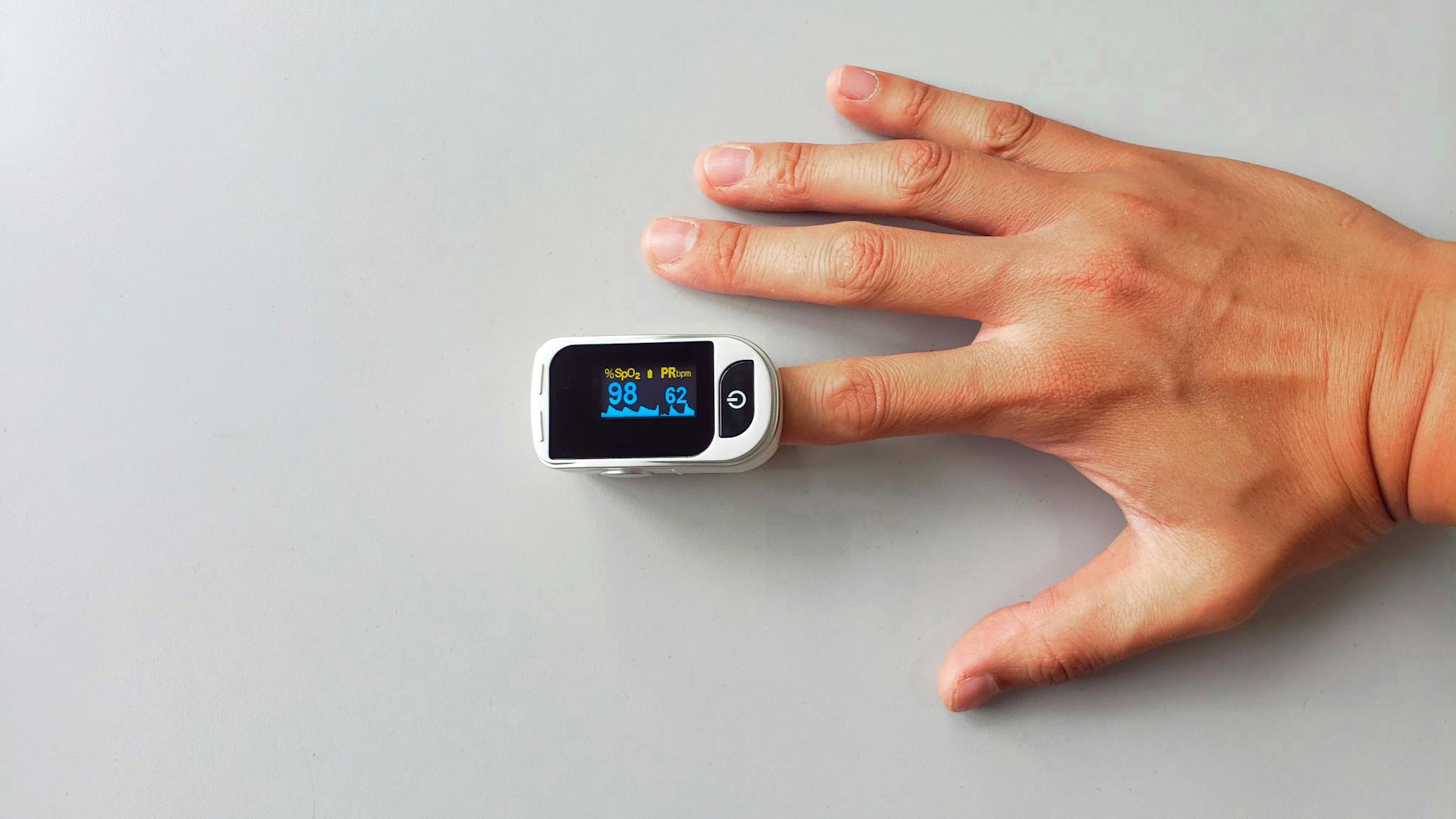
Fitness trackers use either heart rate data from a wrist sensor or accelerometer-based movement detection to determine whether you are exercising at a qualifying intensity. Most modern devices rely on heart rate as the primary metric, and they apply a sustained duration filter as well. Fitbit, for instance, requires at least 10 continuous minutes in the appropriate heart rate zone before it starts counting active zone minutes, though this threshold was relaxed in some recent updates. Apple Watch credits exercise minutes when it detects a brisk walk or elevated heart rate, but its algorithm can be conservative, particularly for people who are already very fit and whose heart rates do not climb easily during low-impact activity. The result is that two people walking side by side at the same pace may get different credit depending on their fitness level, age, and individual cardiovascular response.
Why Casual Walking Falls Short of Moderate-Intensity Exercise
Walking at a slow or moderate pace is undeniably better than sitting, but the physiological demands are modest. Research published in the British Journal of Sports Medicine found that walking at speeds below 3.0 miles per hour typically registers as light-intensity activity for most healthy adults, producing a metabolic equivalent (MET) value below 3.0. Moderate intensity begins at 3.0 METs, and brisk walking at 3.5 to 4.0 miles per hour generally crosses that line, landing somewhere between 3.5 and 4.5 METs depending on terrain and body weight. The problem is that most people significantly overestimate how fast they walk.
Studies tracking self-reported versus GPS-measured walking speeds consistently find that people believe they walk faster than they actually do. Someone who thinks they are walking briskly at 3.5 miles per hour may actually be covering ground at 2.8 miles per hour, which keeps them below the moderate threshold. However, if you are older, deconditioned, or carrying significant extra weight, your heart rate may climb into the moderate zone even at slower speeds, and your tracker should reflect that. This is one case where being less fit actually works in your favor for logging intensity minutes, because your cardiovascular system has to work harder to meet the same demand.
How Fitness Trackers Decide What Counts as Exercise
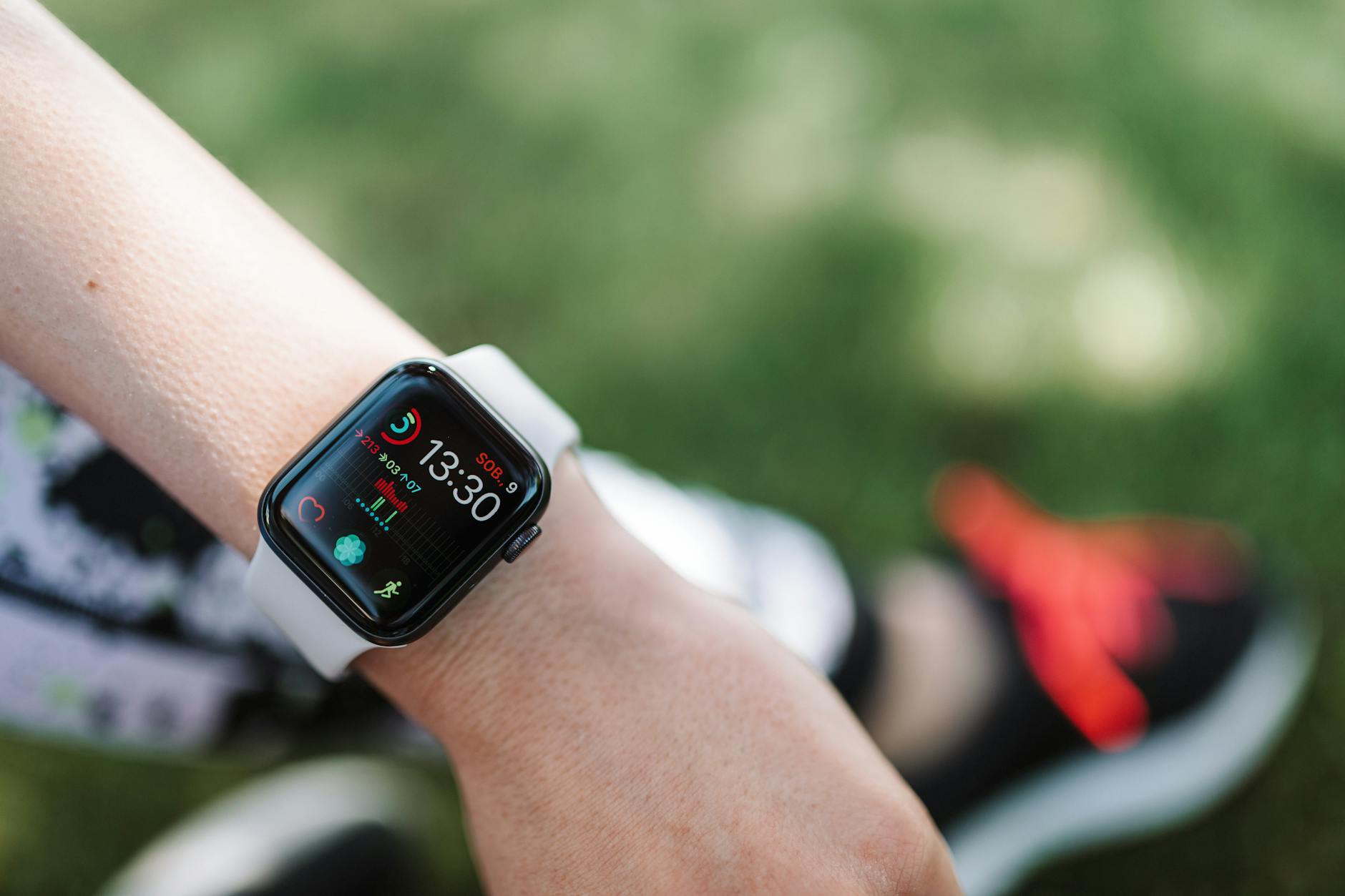
Each major tracker brand uses a slightly different algorithm to determine whether your activity qualifies. Garmin uses heart rate zones based on your personal max heart rate and resting heart rate, crediting intensity minutes whenever you sustain moderate or vigorous effort. Vigorous minutes count double, so 15 minutes of running can log as 30 intensity minutes. Apple Watch credits exercise ring minutes based on a brisk walk equivalent or higher, but the detection threshold varies with age and fitness profile. A 25-year-old athlete may need to walk at 4.0 miles per hour or faster before the watch starts counting, while a 65-year-old may get credit at 3.0 miles per hour because their heart rate responds more readily.
Fitbit introduced Active Zone Minutes, which are tied directly to personalized heart rate zones. You earn one minute for each minute in the fat burn zone and two minutes for each minute in the cardio or peak zones. This system is more transparent than some competitors because it shows you exactly which zone you occupied and for how long. A specific example: if you walk for 40 minutes and your heart rate spends 25 minutes in the fat burn zone and 15 minutes below it, you receive 25 Active Zone Minutes, not 40. Many users find this frustrating because they feel they exercised for the full duration, but the tracker is telling them that only part of their walk qualified as meaningful cardiovascular effort.

How to Make Your Walks Count Toward Intensity Goals
The simplest fix is to walk faster. Increasing your pace from a 20-minute mile to a 15-minute mile can be the difference between light and moderate intensity for most adults. If you currently walk at around 3.0 miles per hour, pushing to 3.5 or 4.0 miles per hour will typically elevate your heart rate into the qualifying zone. You can calibrate this using a talk test: if you can sing comfortably, you are below moderate intensity. If you can talk in full sentences but singing feels difficult, you are likely in the moderate zone. If talking becomes choppy, you have entered vigorous territory.
Adding incline is another effective strategy, and in some cases it works better than increasing speed because it raises heart rate without requiring the joint stress of faster foot turnover. Walking on a 5 to 10 percent grade at 3.0 miles per hour can produce the same cardiovascular demand as walking on flat ground at 4.0 miles per hour or faster. Treadmill users can dial this in precisely. Outdoor walkers can seek hilly routes or use stadium stairs. The tradeoff is that incline walking increases calf and glute fatigue more rapidly, so you may not sustain it for as long as a flat walk. Interval approaches work well here: alternate between three minutes of steep incline and two minutes of flat recovery to accumulate intensity minutes without burning out early.
When Your Tracker Undercounts Genuine Effort
Sometimes the problem is not your effort level but your device. Wrist-based optical heart rate sensors are less accurate than chest straps, particularly during activities involving wrist movement or pressure changes. If your watch fits loosely or slides around during arm swing, it may produce erratic readings that cause the algorithm to discard otherwise qualifying minutes. Cold weather can also impair wrist-based sensors by reducing blood flow to the skin surface, resulting in artificially low heart rate readings that make your workout appear less intense than it was. Another common issue affects people who are highly fit.
If your resting heart rate is in the low 50s or 40s and your cardiovascular system is efficient, walking may genuinely not elevate your heart rate enough to qualify, even at a brisk pace. This is not a tracker error. It means walking has become too easy for your body to count as a cardiovascular stimulus, and you need to add load, speed, or incline to create the necessary demand. For these individuals, rucking, which is walking with a weighted pack of 10 to 30 pounds, can push heart rate into the moderate zone without transitioning to running. Be cautious with rucking if you have back or knee issues, because the added load increases spinal compression and joint forces substantially.
The Difference Between Steps and Intensity Minutes
Step count and intensity minutes measure fundamentally different things, and confusing them is one of the most common mistakes in casual fitness tracking. You can accumulate 10,000 steps in a day entirely through puttering around the house, walking to the bathroom, and strolling through a grocery store. None of that may produce a single intensity minute.
Conversely, a 20-minute power walk that covers only 2,000 steps could yield 20 intensity minutes if your heart rate stays in the right zone. A person who logs 12,000 steps but zero intensity minutes has been moving all day without ever genuinely challenging their cardiovascular system. Both metrics have value, but they are not interchangeable, and meeting your step goal does not mean you have met your intensity goal.
Building a Weekly Plan That Actually Hits 150 Minutes
If you rely entirely on walking for your aerobic exercise, you need to be strategic about which walks are meant to count. Not every walk needs to be a workout. Separating your walking into casual movement and intentional exercise helps clarify expectations.
Three to four dedicated brisk walks per week, each lasting 35 to 45 minutes at a pace that keeps your heart rate in the moderate zone, will meet the 150-minute guideline. The remaining walks in your day can be as leisurely as you want, and they still contribute to overall calorie expenditure, joint health, and mental wellbeing even though they will not show up as intensity minutes. As wearable technology continues to improve sensor accuracy and personalized zone detection, trackers will likely get better at recognizing effort relative to individual capacity, but for now, the responsibility falls on you to push hard enough for the minutes to register.
Conclusion
The reason your walks are not counting toward weekly intensity minutes is almost always that your pace or terrain is not producing enough cardiovascular demand. Your heart rate needs to reach at least 50 percent of your maximum and stay there for a sustained period before trackers and health guidelines consider the effort meaningful. Walking faster, adding hills or incline, wearing a weighted pack, or incorporating intervals can all push a casual walk into the moderate-intensity zone where the benefits to heart health, blood pressure, and metabolic function become significant. Do not abandon walking because your tracker says it does not count.
Instead, treat it as useful feedback. Keep your easy walks for recovery, errands, and mental health. Then add three or four intentional, brisk sessions each week where the goal is to get your heart rate up and keep it there. Check your device’s heart rate zone settings to make sure they are calibrated to your age and resting heart rate. Over time, as your fitness improves, you may need to work harder to hit the same zone, which is a sign of progress, not a reason to give up.
Frequently Asked Questions
Why does my Apple Watch not count my walks as exercise?
Apple Watch uses a combination of heart rate, pace, and arm movement to determine exercise credit. If your walk does not meet the threshold for a brisk walk based on your age and fitness profile, the watch will not add those minutes to your exercise ring. Updating your health profile with accurate weight and age data can help recalibrate the detection, and swinging your arms naturally rather than pushing a stroller or keeping hands in pockets improves tracking accuracy.
Do I need to walk for 10 minutes straight for it to count?
Previously, most health guidelines and trackers required bouts of at least 10 continuous minutes. The 2018 updated Physical Activity Guidelines for Americans removed that requirement, stating that all moderate-to-vigorous activity counts regardless of bout length. However, some older tracker firmware may still apply the 10-minute filter, so check your device settings and update to the latest software.
Does walking on a treadmill count differently than walking outside?
Physiologically, the effort is similar, but treadmill walking at a zero percent incline is slightly easier than outdoor walking because there is no wind resistance and the belt assists leg turnover. Setting the treadmill to a 1 percent incline roughly compensates for this difference. From a tracking standpoint, wrist-based heart rate monitors work equally well in both settings, so the primary variable is still your pace and incline.
How fast do I need to walk for it to count as moderate intensity?
For most healthy adults, a pace of 3.5 to 4.0 miles per hour, which translates to a 15 to 17-minute mile, qualifies as moderate intensity. However, the true determinant is your heart rate, not your speed. If you are deconditioned, 3.0 miles per hour may be enough. If you are very fit, you might need 4.5 miles per hour or added incline to reach the same zone.
Why do vigorous minutes count double on some trackers?
This reflects the health guidelines themselves. The WHO and AHA state that 75 minutes of vigorous activity provides equivalent benefits to 150 minutes of moderate activity. Trackers like Garmin apply this 2-to-1 ratio so that a 30-minute jog can contribute 60 intensity minutes toward your weekly target, making it easier for people who prefer shorter, harder workouts to meet the same goal.