Using a fitness tracker properly starts with wearing it correctly and configuring it to match your actual physiology, not just pulling it out of the box and accepting the factory defaults. Most people strap on a device, glance at step counts, and assume they are getting accurate data, but the reality is that a poorly positioned sensor, an outdated weight entry, or a misunderstood heart rate zone can feed you numbers that are misleading at best and counterproductive at worst. A runner training for a half marathon who trusts inflated calorie burn estimates, for example, might overeat on recovery days and wonder why race weight is not coming down.
Beyond the basics of fit and setup, getting genuine value from a fitness tracker means understanding what the data actually represents and what it does not. Heart rate variability, VO2 max estimates, sleep staging, and training load scores all sound precise, but each comes with significant margins of error that manufacturers rarely advertise in bold print. This article walks through how to wear and configure your tracker for the best possible accuracy, how to interpret the metrics that matter most for runners and cardio athletes, where these devices reliably fall short, and how to fold tracker data into a training plan without letting the numbers run the show.
Table of Contents
- What Does It Actually Mean to Use a Fitness Tracker Properly?
- Configuring Heart Rate Zones for Runners Who Actually Want Accurate Training Data
- Why Wrist-Based Heart Rate Falls Apart During Intervals and What to Do About It
- Making Sense of VO2 Max Estimates, Training Load, and Recovery Scores
- Sleep Tracking Pitfalls and Why Your Recovery Data Might Be Wrong
- Step Counts, Calorie Burns, and the Numbers Runners Tend to Overcredit
- Where Fitness Trackers Are Headed and What Runners Should Watch For
- Conclusion
- Frequently Asked Questions
What Does It Actually Mean to Use a Fitness Tracker Properly?
Proper use is really about three things happening at once: physical fit, correct personal settings, and informed interpretation. The physical fit piece is straightforward but routinely botched. Optical heart rate sensors need consistent skin contact about one finger width above the wrist bone, snug enough that the sensor stays put but not so tight that it restricts blood flow. Garmin, Apple, and Polar all publish nearly identical guidance on this, yet walk into any gym and you will see watches dangling loosely or shoved halfway up the forearm where the sensor reads mostly noise. During running specifically, a loose band bounces with each foot strike, and the motion artifact can cause heart rate readings to lock onto cadence rather than actual pulse, a well-documented phenomenon that has fooled many runners into thinking they are in zone two when they are actually in zone four. The settings side is less obvious but equally important. Your tracker uses resting heart rate, maximum heart rate, age, weight, and sometimes height to calculate everything from calorie expenditure to training load. If you set up the device two years ago at a different weight and never updated those fields, every derived metric is skewed.
Maximum heart rate is particularly problematic because most devices default to the old 220-minus-age formula, which can be off by fifteen beats or more for any given individual. A forty-year-old runner whose true max is 190 but whose watch assumes 180 will see zone calculations that understate intensity across the board. Manually entering a tested or field-estimated max heart rate is one of the single highest-impact changes you can make. The interpretation layer is where most people get stuck. A fitness tracker is a consumer-grade sensor suite, not a medical device or a lab instrument. That context matters. The data is useful for spotting trends over weeks and months, much less useful for making decisions based on a single day’s readings. Treating the numbers as directional rather than absolute is the mindset shift that separates people who benefit from wearables and people who become anxious slaves to a wrist screen.

Configuring Heart Rate Zones for Runners Who Actually Want Accurate Training Data
Heart rate zone training is one of the most practical applications of a fitness tracker for cardiovascular fitness, but the default zone settings on virtually every device are generic to the point of being useless for structured training. Most watches divide the span between resting and maximum heart rate into five equal zones or use percentage-of-max formulas that do not account for individual aerobic and anaerobic thresholds. If you are following a polarized training plan or a Maffetone-style low heart rate approach, those default buckets will misclassify your effort on nearly every run. The fix is to set zones based on your lactate threshold heart rate or, at minimum, to run a field test and use the results to anchor your zones. A common protocol is a thirty-minute solo time trial at maximum sustainable effort, where you take your average heart rate for the final twenty minutes as a threshold estimate.
From there, zone two typically falls between 75 and 89 percent of that threshold number, not the vague “fat burning zone” the watch wants to show you. Garmin Connect, Polar Flow, and the COROS app all allow manual zone editing, and taking fifteen minutes to do this transforms the usefulness of every workout summary going forward. However, if you are a beginning runner or returning from a long layoff, field testing can be unreliable because pacing judgment is not yet developed. In that case, a talk-test calibration works well enough as a starting point: run at the fastest pace where you can still speak in full sentences, note the heart rate after ten minutes of steady effort, and set that as the top of your easy zone. It is less precise than a lab test, but it is honest, and honest zones are better than precise-looking zones derived from a formula that does not describe your body.
Why Wrist-Based Heart Rate Falls Apart During Intervals and What to Do About It
Optical heart rate sensors work by shining green LED light into the skin and measuring how much light is absorbed by blood flowing through capillaries. This method, called photoplethysmography, is reasonably accurate during steady-state aerobic activity when blood flow is consistent and the watch is sitting still on the wrist. The trouble starts when intensity changes rapidly. During interval sessions, tempo surges, or hill repeats, the sensor struggles to track the sudden jumps and drops in heart rate. Latency of ten to thirty seconds is common, which means your watch might show 145 beats per minute when your actual heart rate hit 175 twenty seconds ago. For a runner doing 400-meter repeats with short rest, the recorded data can look like a gentle sine wave instead of the sharp spikes and valleys that actually occurred. A chest strap heart rate monitor eliminates most of this problem. Devices like the Polar H10 or Garmin HRM-Pro Plus use electrical signals from the heart itself rather than optical proxies, and they respond to changes in real time with minimal lag.
The tradeoff is comfort. Many runners find chest straps annoying, especially on long runs or in heat, and some experience chafing. But if interval accuracy matters to your training, a chest strap paired via Bluetooth or ANT+ to your watch is the most reliable consumer-grade option available. Some newer arm bands, like the Polar Verity Sense worn on the upper forearm, split the difference by offering better optical readings than a wrist sensor without the chest strap hassle, though they still lag behind electrical measurement during truly explosive efforts. The practical takeaway is to match your sensor to your session. For easy runs, long runs, and general daily wear, wrist-based optical is fine. For track workouts, threshold sessions, and race-day data, consider strapping on a chest monitor. Mixing sensor types across workouts does create some inconsistency in your historical data, but the alternative is consistently wrong interval data, which is worse.
Making Sense of VO2 Max Estimates, Training Load, and Recovery Scores
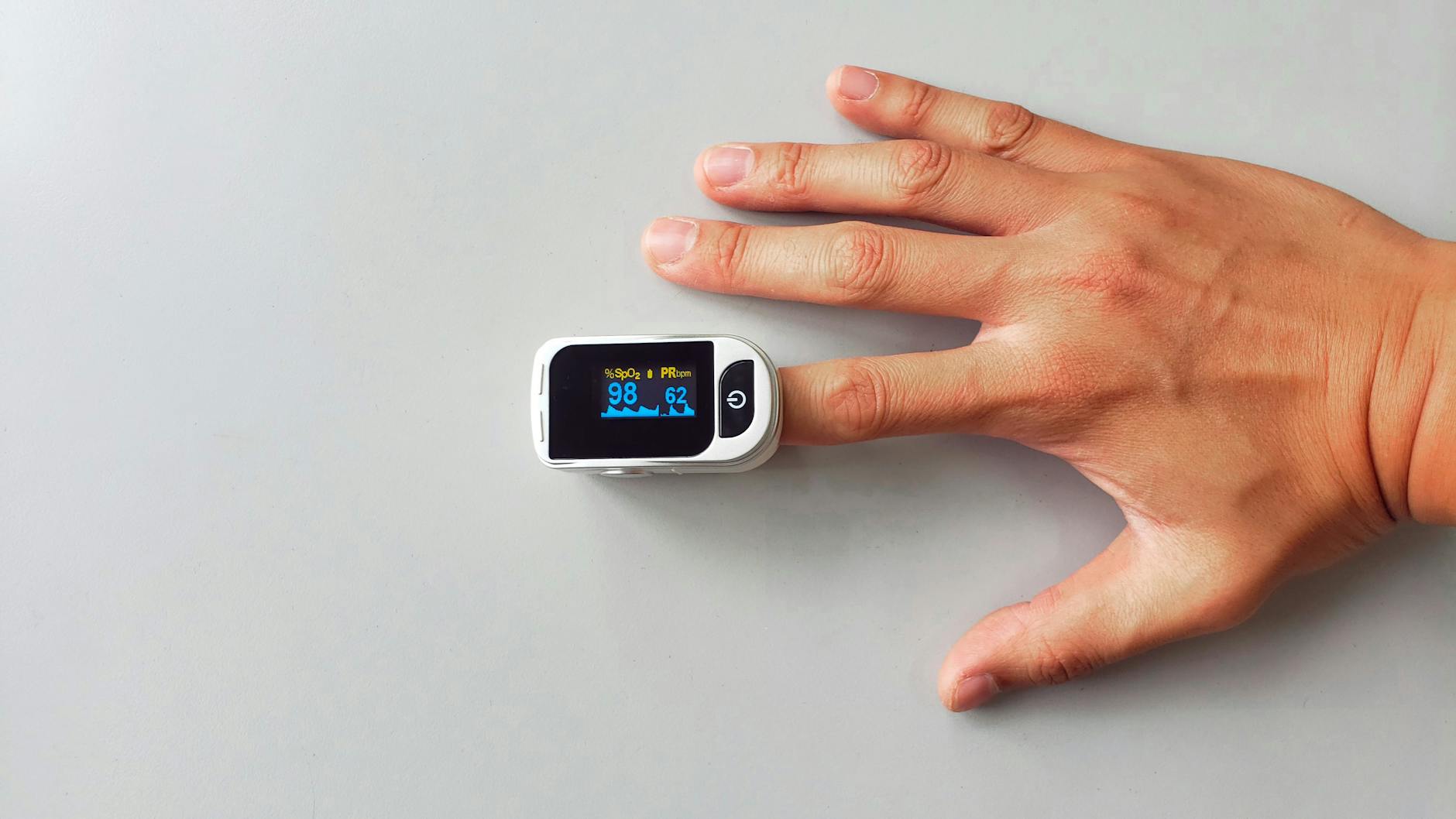
Fitness trackers have piled on increasingly sophisticated-sounding metrics, and the flagship numbers for most runners are VO2 max estimates, training load or training status indicators, and recovery time recommendations. These features are genuinely useful if you understand what they are actually measuring and where the confidence intervals sit. Garmin’s VO2 max estimate, powered by Firstbeat Analytics, correlates your pace and heart rate to infer aerobic capacity. Studies have shown it can land within about five percent of lab-tested VO2 max for trained runners under good conditions. That is close enough to track fitness trends across months. It is not close enough to compare yourself meaningfully against a friend using a different brand or to draw conclusions from a single-run fluctuation. Training load metrics aggregate recent workout stress, typically weighting the last seven to twenty-eight days, and flag whether you are in a productive, maintaining, or overreaching state.
These are useful as guardrails. If your watch has been telling you “unproductive” for three straight weeks, that is a signal worth investigating, even if you feel fine. Conversely, recovery time estimates that say you need seventy-two hours after a moderate long run should be taken loosely. They cannot account for sleep quality, nutrition, psychological stress, or the fact that you are an experienced runner whose body recovers differently than the algorithm’s reference population. The comparison worth making is between tracking these metrics over time versus ignoring them entirely. A runner who glances at the trend line of training load and VO2 max every few weeks and uses that information to confirm or question what their body is telling them is in a much better position than a runner who either obsesses over daily readings or never looks at all. The data is a second opinion, not a coach.
Sleep Tracking Pitfalls and Why Your Recovery Data Might Be Wrong
Sleep tracking has become a cornerstone of the recovery narrative in fitness wearables, with devices like the Whoop, Oura Ring, and Garmin watches assigning sleep scores and staging breakdowns that show time in light, deep, and REM phases. The appeal for runners is obvious: if recovery happens primarily during sleep, then quantifying sleep quality should help optimize training readiness. The problem is that wrist-based and finger-based sleep staging has meaningful accuracy limitations compared to polysomnography, the clinical gold standard. Research published in the journal Sleep has found that consumer wearables tend to overestimate total sleep time and are unreliable at distinguishing deep sleep from light sleep on a night-by-night basis. This does not mean sleep tracking is worthless, but it does mean you should not restructure your training schedule because your watch said you got twelve fewer minutes of deep sleep than usual. The more honest use case is tracking consistency.
If your seven-day average sleep duration drops from seven and a half hours to six hours during a high-mileage training block, that is a meaningful signal regardless of how accurately the stages are classified. Similarly, if your resting heart rate trends upward over several nights while sleep duration stays constant, that combination often indicates accumulated fatigue better than any proprietary recovery score. One specific trap to watch for: alcohol consumption before bed often makes sleep tracking data look better than reality. A glass or two of wine can suppress initial heart rate and reduce movement in the first sleep cycles, which many algorithms interpret as deep, restful sleep. In reality, alcohol disrupts REM sleep in the second half of the night and degrades true recovery. If your watch gives you a great sleep score on a night you know was compromised, trust your knowledge of what happened over the number on the screen.

Step Counts, Calorie Burns, and the Numbers Runners Tend to Overcredit
Step counting is the original fitness tracker function and remains the most accurate metric these devices offer, typically within five percent of actual steps during walking and running. Where things go sideways is in the leap from steps to calories burned. Trackers estimate energy expenditure by combining step data, heart rate, and user profile information through proprietary algorithms, and studies have consistently found that calorie estimates from wrist wearables can be off by twenty to fifty percent, with errors skewing toward overestimation. A Stanford study examining seven popular devices found that even the most accurate tracker had a twenty-seven percent error rate for energy expenditure.
For runners managing weight or fueling for performance, this means treating the calorie burn number on your watch as a rough ballpark rather than a ledger entry. A practical approach is to use your tracker’s calorie data to compare relative effort between workouts, not as an absolute count to eat back. If Tuesday’s run shows 600 calories and Thursday’s shows 450, the comparison is directionally useful. Eating exactly 600 calories because your watch said so is a recipe for frustration.
Where Fitness Trackers Are Headed and What Runners Should Watch For
The next generation of wearable sensors is pushing toward metrics that were previously lab-only. Continuous blood glucose monitoring through non-invasive wrist sensors is in active development at Apple, Samsung, and several startups, and if it works reliably, the implications for endurance fueling strategy would be substantial. Imagine real-time feedback on glycogen availability during a long run rather than relying on estimated pacing charts and feel.
Core body temperature sensing is already shipping in some Garmin and Oura devices and has clear applications for heat acclimation training and early illness detection. The broader trajectory is that raw data volume will keep increasing, which means the filtering and interpretation skills discussed throughout this article will only become more important. A tracker that feeds you forty metrics per day is not more useful than one that feeds you five unless you know which numbers to watch, which to ignore, and when to override the algorithm with your own experience. The runners who get the most from these tools in the coming years will be the ones who treat the technology as a training journal that automates data collection, not as an authority that replaces judgment.
Conclusion
Using a fitness tracker properly is less about the device and more about the habits around it. Wear it correctly, update your personal settings as your fitness changes, set heart rate zones based on actual threshold data rather than age formulas, and understand the accuracy limitations of every metric the watch reports. For runners specifically, the highest-value practices are calibrating heart rate zones, using a chest strap for intensity sessions, and watching multi-week trends in VO2 max estimates and resting heart rate rather than fixating on daily fluctuations.
The overarching principle is that a fitness tracker is a tool for collecting data that would otherwise be invisible, not a replacement for body awareness, training knowledge, or common sense. Use it to confirm what you feel, to spot patterns you might miss, and to keep an honest record of your training over months and years. When the numbers and your body disagree, investigate rather than blindly following either one. That middle ground is where the real value of these devices lives.
Frequently Asked Questions
How tight should a fitness tracker be on my wrist during running?
Snug enough that you cannot slide a finger under the band easily, but not so tight that it leaves deep marks or restricts circulation. Position it about one finger width above the wrist bone. For runs with intervals, you may want to tighten it one notch beyond your daily wear setting, then loosen it afterward.
Are fitness tracker calorie counts accurate enough to guide nutrition?
Not precisely. Studies show error rates of twenty to fifty percent for calorie burn estimates. Use the numbers for relative comparisons between workouts rather than as exact calorie targets to eat back. Pair tracker data with a food log and body composition trends over weeks for a more complete picture.
Should I trust my fitness tracker’s VO2 max estimate?
Trust the trend, not the specific number. Wrist-based VO2 max estimates can be within about five percent of lab values under good conditions, but they fluctuate based on heat, fatigue, terrain, and how recently the device was calibrated. If your estimate has been rising steadily over two months, your fitness is genuinely improving. A single-run drop is usually noise.
Do I need a chest strap if I already have a wrist-based heart rate monitor?
For easy and moderate steady runs, wrist-based optical sensors are adequate. For interval training, threshold work, and racing where heart rate changes rapidly, a chest strap provides significantly more accurate and responsive data. If structured training is a priority, the investment is worthwhile.
How often should I update my fitness tracker settings?
Review your weight, resting heart rate, and max heart rate settings at least every three months or after any significant fitness change. If you have lost or gained weight, completed a training cycle, or tested your max heart rate, update the device immediately. Outdated settings skew every calculated metric.