Tracking intensity minutes accurately requires understanding both what intensity means and how your wearable device measures it. Intensity minutes refer to moderate-to-vigorous physical activity, which the World Health Organization recommends at 150 minutes per week for adults. The challenge is that most fitness trackers don’t measure this perfectly—some underestimate what you’ve actually done, while others inflate your numbers, making it difficult to know if you’re truly meeting your health goals.
The reason accuracy matters is simple: if your device tells you that you’ve hit your weekly intensity target when you haven’t, you might miss out on cardiovascular benefits you think you’re getting. For example, if your Fitbit Charge is underestimating by 36 percent—which research shows it does—and it tells you that you’ve completed 100 minutes of intense activity when you’ve actually done only 64 minutes, you’re falling short of the WHO’s recommendation without realizing it. Conversely, if your device overestimates, you might become falsely confident in your fitness level and skip workouts you actually need.
Table of Contents
- Understanding How Wearables Calculate Intensity Minutes
- The Accuracy Problem Nobody Talks About
- The Hardware Factors That Break Accuracy
- Comparing Devices: Which Ones Are More Reliable?
- Practical Steps to Improve Your Tracking Accuracy
- The 10-Minute Threshold and Other Arbitrary Rules
- The Future of Intensity Minute Tracking
- Conclusion
- Frequently Asked Questions
Understanding How Wearables Calculate Intensity Minutes
Different devices calculate intensity minutes using different methods, which explains why your Apple Watch and Fitbit might show different numbers for the same workout. Fitbit calculates active zone minutes using METs, or metabolic equivalents, which are measurements of how much energy your body expends during activity. METs calculations factor in your body mass, so two people doing the same workout might have different intensity minute counts. Fitbit’s approach is more personalized than purely relying on heart rate data alone, but it still depends on how accurately the device measures your movement and heart rate.
Garmin takes yet another approach by requiring users to sustain activity for at least 10 consecutive minutes before any intensity minutes are counted toward your total. This threshold means that short bursts of activity—a quick jog around the block or a fast walk up some stairs—don’t count, even if they’re genuinely intense. Additionally, Garmin awards double credit for vigorous-intensity activities compared to moderate-intensity activities. So if you spend 10 minutes running hard versus 10 minutes walking briskly, the running will contribute twice as much to your intensity minute total. This is more aligned with exercise science, but it also means your daily total can fluctuate significantly depending on what type of activity you’re doing.
The Accuracy Problem Nobody Talks About
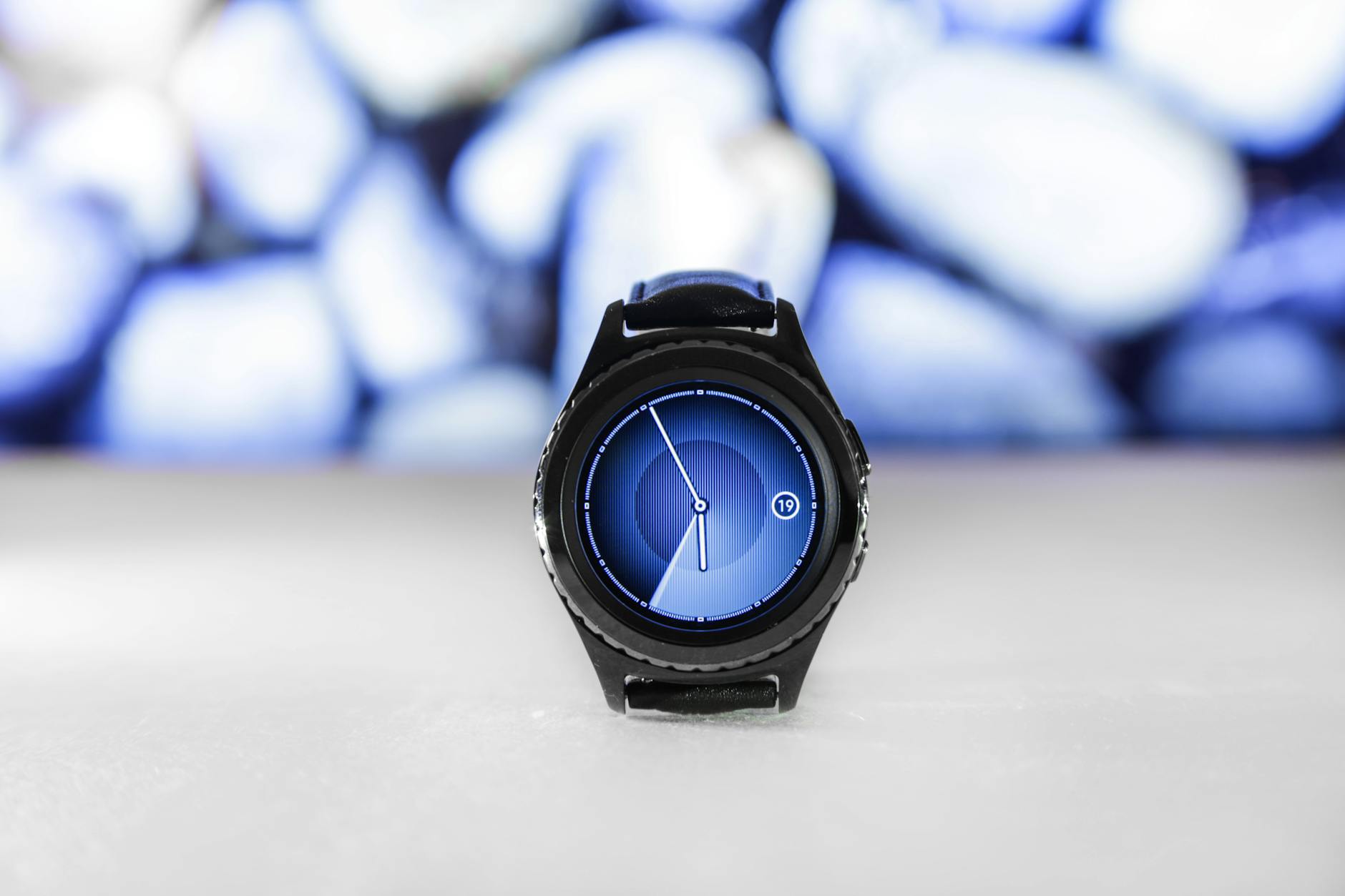
The most important thing to know is that no wearable device is perfectly accurate, and some are far less reliable than others. Research studies have revealed a startling range of errors. Fitbit Charge devices underestimate moderate-to-vigorous physical activity time by 36 percent per day. On the flip side, other wearable devices have been found to overestimate MVPA measurements by anywhere from 77 to 153 percent per day, meaning some devices claim you‘ve done nearly two and a half times more intense activity than you actually have.
These aren’t small variations that average out over time—they’re systematic errors that can lead to fundamentally wrong conclusions about your fitness level. The problem becomes even more pronounced when you consider that wearable devices also underestimate step count by an average of 9 percent. If your device is off by that much on something as straightforward as counting steps, the more complex calculation of intensity minutes—which depends on detecting heart rate elevation, motion patterns, and sustained effort—is likely to be off by even more. This is why relying exclusively on any single device to measure whether you’re meeting health guidelines is risky.
The Hardware Factors That Break Accuracy
Several physical factors can reduce how accurately your device tracks intensity minutes, and most people never think about them. Exercise intensity itself—the actual physical effort you’re exerting—directly affects sensor performance. The motion of your extremities during exercise, your wrist position while moving, sweat and dirt accumulation on the sensors, and even your skin pigmentation can all decrease wearable tracking accuracy. This means that a person with darker skin might find their device less accurate than a person with lighter skin, simply due to how optical heart rate sensors work through the skin.
The sweat and dirt issue is particularly problematic during the very workouts you’re trying to track. If you’re running hard enough to sweat heavily, your wearable’s optical sensors get obscured by moisture and dirt, making heart rate measurements less reliable at the exact moment when accuracy matters most. Similarly, if you’re doing vigorous activity that causes significant arm movement, your wrist position changes constantly, which can throw off heart rate sensors that depend on consistent contact with your skin. Many people don’t realize that simply adjusting their wrist position slightly can change their device’s heart rate reading by several beats per minute.
Comparing Devices: Which Ones Are More Reliable?
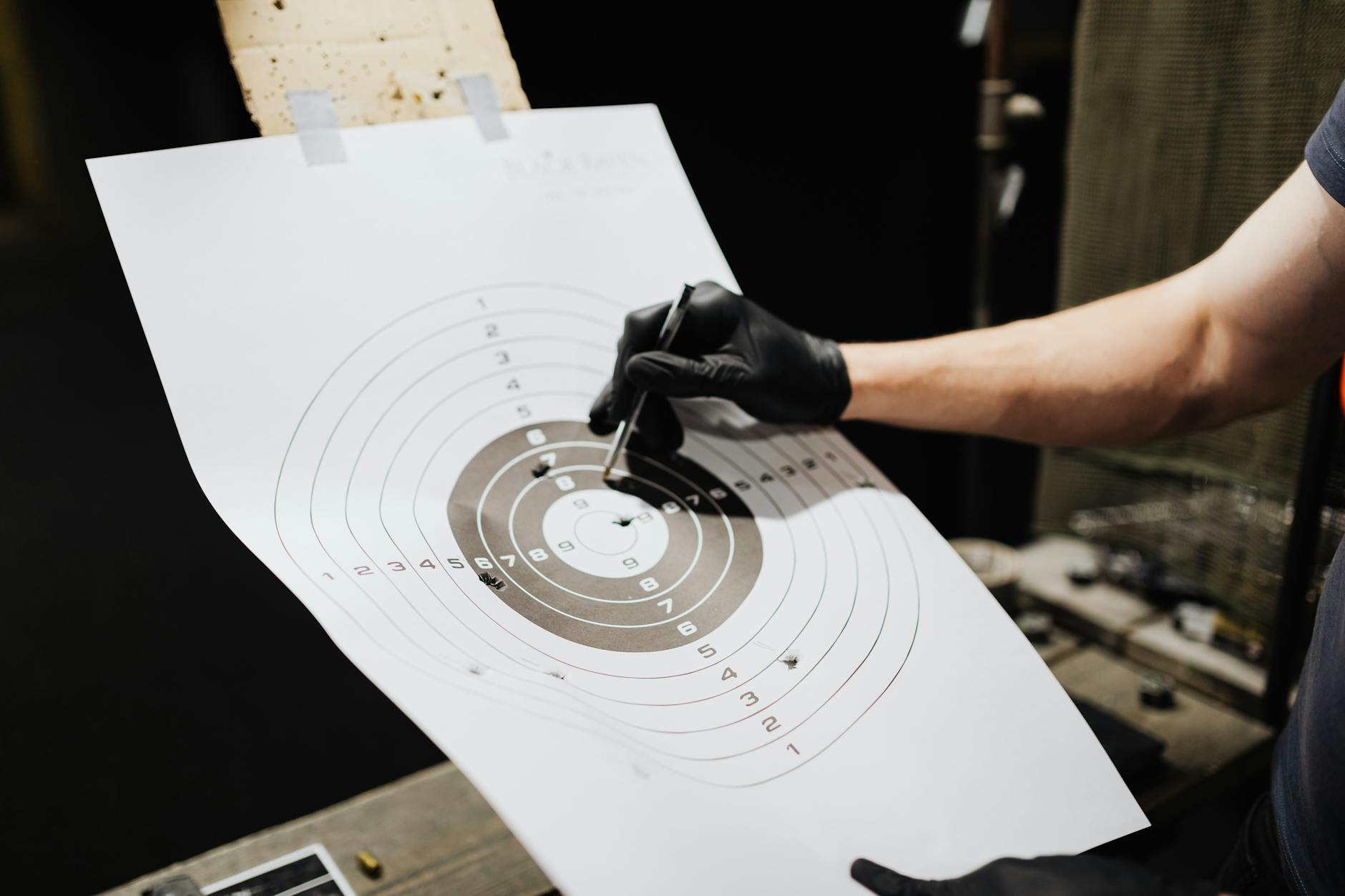
If you’re deciding between devices, understanding their track records matters. Apple Watch optical heart rate sensors achieve clinical-grade accuracy during exercise with an error margin of plus or minus 3 to 5 beats per minute during steady-state activity. This is significantly better than most competitors and explains why Apple’s intensity minute calculations tend to be more reliable. However, even Apple’s sensors perform worse during intense interval training, where your heart rate is rapidly changing, than during steady cardio sessions.
The tradeoff is that more accurate devices often cost more and may require more careful wear and setup. A device with 3 to 5 bpm accuracy will give you a better sense of whether you’re actually working hard enough, but it won’t be perfect. For most people trying to generally meet the 150-minute weekly recommendation, a device accurate within 10 to 15 beats per minute is sufficient. But if you’re training for a specific goal and need precise zone training, you’d want the tighter accuracy of an Apple Watch or similar premium option. Budget trackers that cost under 50 dollars are more likely to fall into the underestimation or wild overestimation categories that research has documented.
Practical Steps to Improve Your Tracking Accuracy
The most important step is to establish a baseline understanding of what your particular device actually measures. Do this by taking a workout you know the intensity of—perhaps a treadmill run where you can see your actual pace and heart rate on the treadmill itself—and compare those numbers to what your wearable shows. If your device consistently reads 10 to 20 bpm lower than the treadmill’s sensors, you know you’re underestimating. If it reads higher, you know you’re getting inflated numbers. Beyond understanding your specific device’s bias, wear your tracker consistently in the same position on your wrist.
Don’t switch between loose and tight—find a comfortable but snug position and keep it there. Clean the optical sensors regularly, especially after sweaty workouts. If possible, do manual heart rate checks—place your fingers on your neck and count for 15 seconds, multiply by four—and compare these to what your device shows during rest. This gives you a sanity check on whether your device is reading accurately throughout the day, not just during workouts. Most importantly, recognize that your wearable is a guide, not gospel. If it tells you something that seems impossible—like that a leisurely 20-minute walk burned as many intense calories as a hard run—question it and validate with other methods.
The 10-Minute Threshold and Other Arbitrary Rules
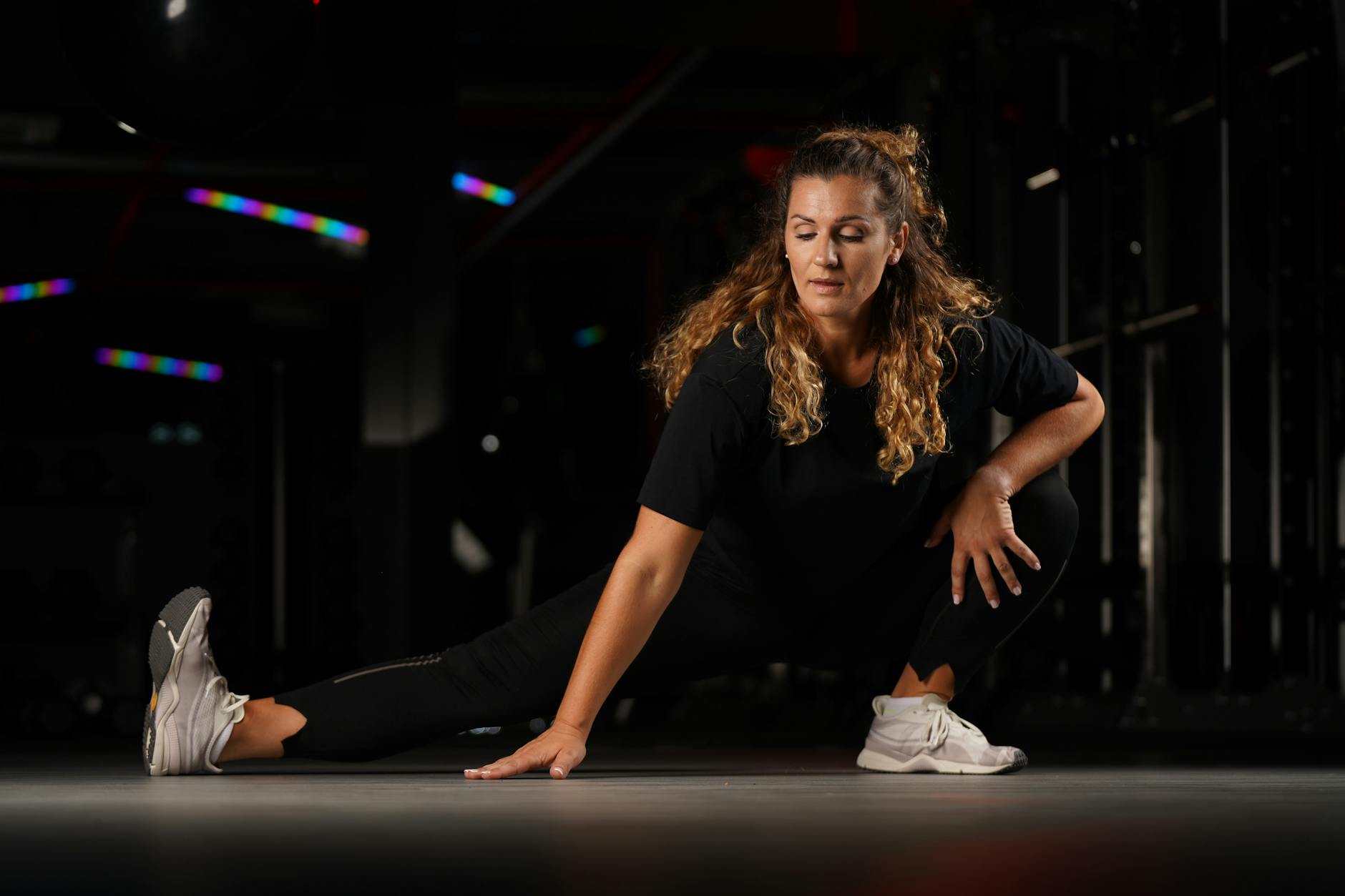
Device manufacturers use different thresholds to decide what counts as intensity, and these rules can significantly affect your totals. Garmin’s 10-minute consecutive threshold is the most well-known, but it’s also the most restrictive. This rule means that if you do 15 minutes of moderate-intensity activity split into three 5-minute bursts with rest periods between them, none of it counts as intensity minutes.
From a research perspective, this doesn’t align with how exercise science understands the benefits of physical activity—short bursts of intense movement provide real cardiovascular benefits. But from a marketing perspective, it makes people feel like they need to do longer, more sustained workouts, which might drive engagement with the Garmin ecosystem. Other devices have more lenient thresholds or no threshold at all, which can make their numbers seem more generous. Understanding your device’s specific rules helps explain why your friend’s Fitbit might show dramatically different intensity numbers than your Garmin for the same group workout.
The Future of Intensity Minute Tracking
As wearable technology improves, we’re seeing better integration of multiple sensors and AI algorithms that try to compensate for individual sensor weaknesses. The next generation of devices may include not just optical heart rate sensors but also additional sensors that measure blood oxygen, skin temperature, and movement patterns simultaneously. When a device has multiple data points, it can cross-check measurements and reduce errors caused by individual sensor failures or environmental interference.
Despite these improvements, the fundamental challenge remains: no device worn on your wrist will ever be as accurate as laboratory equipment. The value of wearables isn’t perfect accuracy—it’s the ability to track trends and motivation over time. If your device says you did 120 intensity minutes this week and 110 minutes last week, the 10-minute decrease is meaningful information even if the absolute numbers are somewhat off. What matters most is that your device is consistently biased in the same direction, so that the trends you see are real.
Conclusion
Tracking intensity minutes accurately starts with understanding that your wearable device is an estimate, not a precise measurement. The World Health Organization’s recommendation of 150 minutes per week of moderate-to-vigorous physical activity is a target worth hitting, but achieving it requires both honest assessment of your actual effort and skepticism about what your device is telling you. Different devices have different accuracy profiles—Apple Watch tends toward reliability, Fitbit Charge tends toward underestimation, and some budget devices overestimate wildly. Knowing your device’s specific biases and quirks, comparing it occasionally against manual checks, and understanding its arbitrary rules (like minimum activity duration) will help you use it as a tool rather than blindly trusting its numbers.
The most practical approach is to use your wearable as motivation and a general guide rather than as a perfect measurement tool. Track whether you’re moving in the right direction week to week, validate occasional workouts against other measurement methods, and pay attention to how you feel during and after intense exercise. Your actual heart rate response, breathing difficulty, and ability to sustain conversation are still the best measures of true intensity, and no device can replace your own body’s feedback. With these strategies in place, you can confidently work toward your intensity minute goals knowing you’re getting a realistic picture of your fitness.
Frequently Asked Questions
Is my device’s intensity minute reading too inaccurate to trust?
Not necessarily. While individual devices have accuracy limitations, trends over weeks and months are generally reliable. Use it as a motivational guide and periodic validation tool rather than expecting clinical precision. If your device consistently shows you doing significantly more or less intense activity than you feel you’re exerting, that’s a signal to verify with manual heart rate checks.
Why does my Garmin require 10 minutes straight before counting intensity?
Garmin uses this threshold to differentiate between continuous moderate-to-vigorous activity and brief activity bursts. While exercise science shows short bursts provide real benefits, this design choice encourages sustained workouts. It’s a feature choice, not a flaw, though it means your actual fitness work might exceed what Garmin officially credits.
Which device should I buy for the most accurate intensity tracking?
Apple Watch offers the best accuracy with ±3-5 bpm error during exercise, but premium price is a factor. For a balance of accuracy and cost, mid-range devices from Fitbit, Garmin, and Polar offer reasonable reliability. Whatever you choose, validate it against a known measurement at least once.
Can I improve my device’s accuracy by wearing it differently?
Yes. Wear it snugly but comfortably in the same position consistently, keep sensors clean, and avoid wearing it too loose during high-intensity activities when motion increases. Even small adjustments in wrist position can affect heart rate readings by several beats per minute.
Should I adjust the WHO’s 150-minute goal based on my device’s accuracy?
Not dramatically. Instead, treat your device’s 150-minute mark as approximately correct and aim slightly higher if your device tends to underestimate. If research shows Fitbit Charge underestimates by 36 percent, aim for 235 minutes on a Fitbit Charge to ensure you’re truly hitting 150. However, how you feel during exercise is ultimately the best guide.
Can wearables accurately measure vigorous versus moderate intensity?
This is difficult. Most devices rely primarily on heart rate, which can reflect vigorous activity, but context matters—a 75-year-old at 150 bpm might be doing vigorous work, while a 25-year-old at the same heart rate might be in a moderate zone. Wearables struggle with this distinction, which is why Garmin’s approach of giving double credit to activities it detects as vigorous is useful but imperfect.